
How to Add or Update Work Hours (Employee Guide)
1. Log in to the portal.
2. From the sidebar menu, click ‘My Account’.
3. In the Personal tab, add your work hours/shift in the Work Hours section.
4. Select the days and start/end times. You can add multiple shifts per day, as long as they do not overlap.
Note: You must add the first shift before adding a second work block.
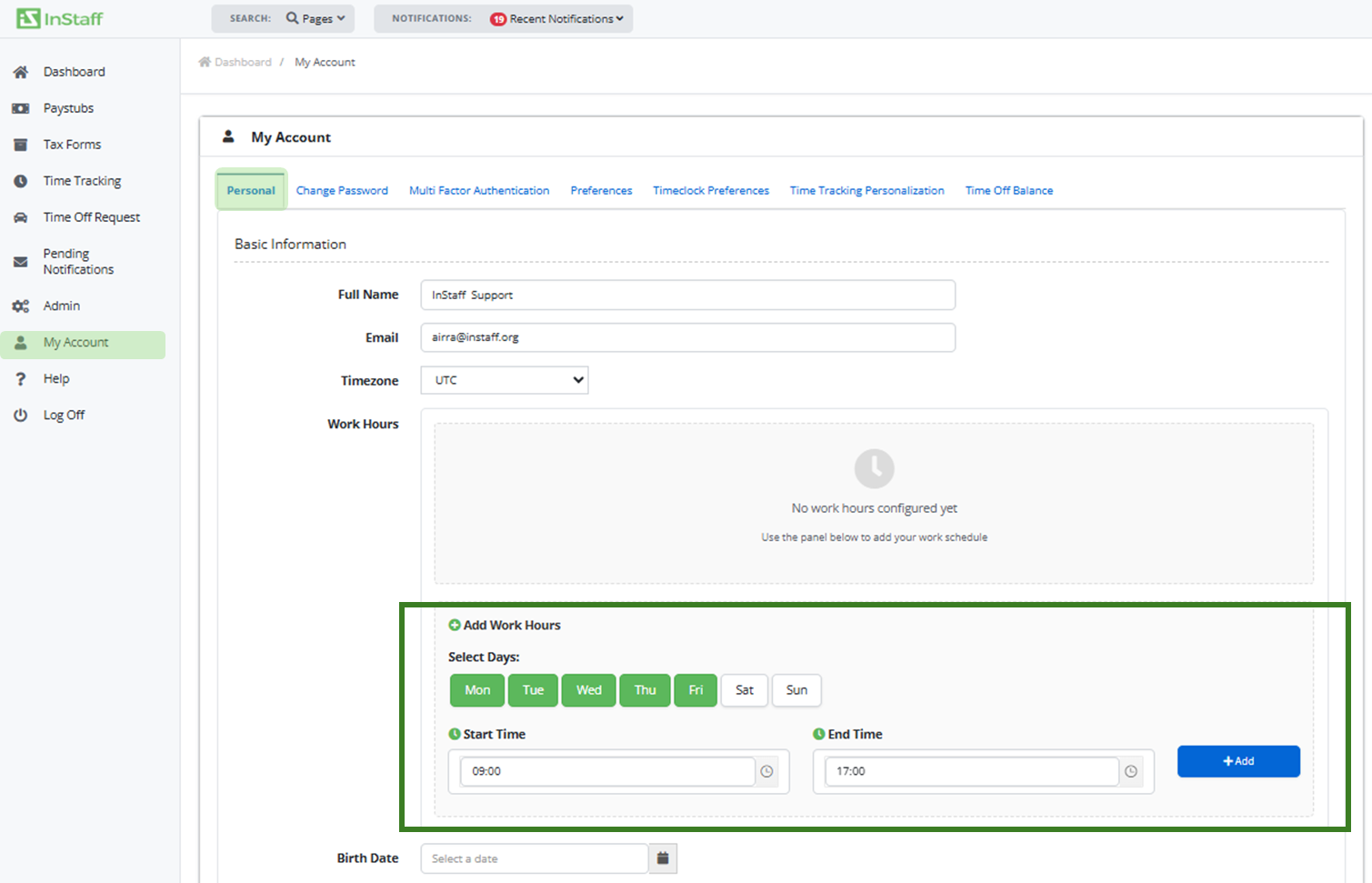
5. Click Save Changes after adding your work schedule.