
How to Edit/Delete Existing Holidays
To Edit:
1. Login to your Portal.
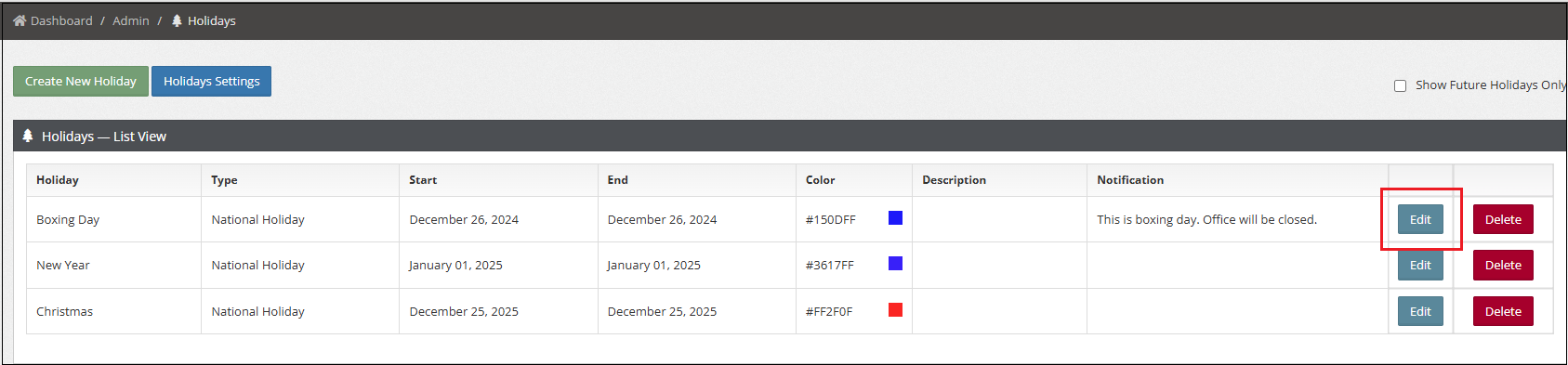
2. Go to Admin > Holidays.
3. Click Edit to modify the holiday.
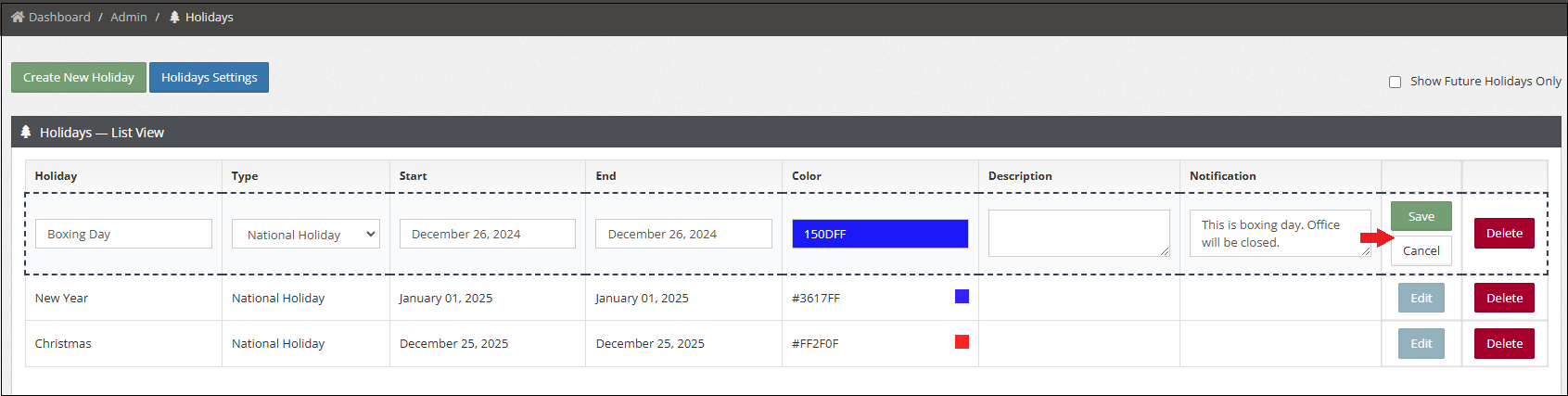
4. Click Save to apply the changes or Cancel to discard them.
To Delete:
Click the Delete button or the red button to remove the Holiday.