
How to make the Holidays page available on the Portal
1. Login to your Portal.
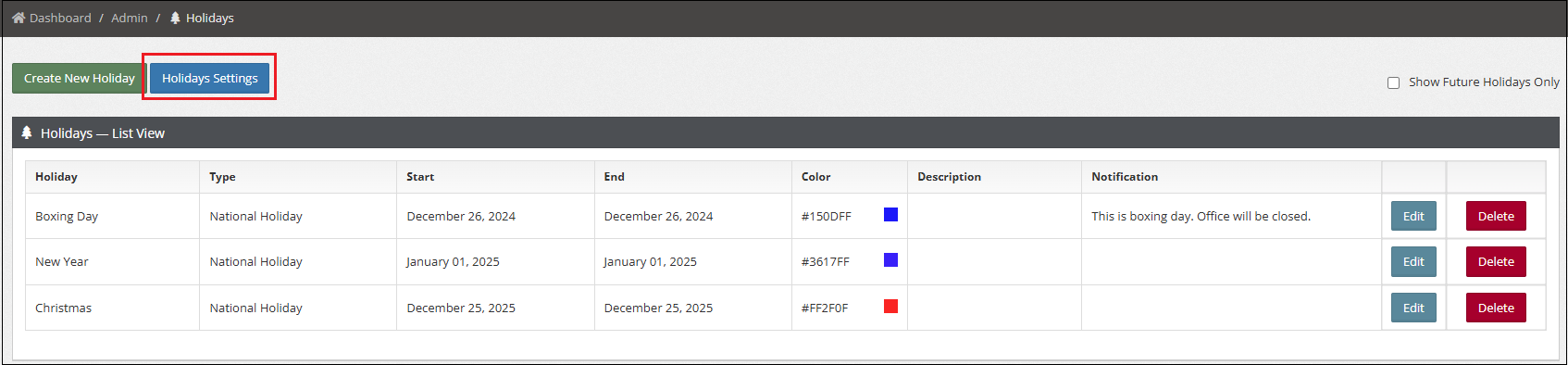
2. Go to Admin > Holidays.
3. Click Holidays Settings.
4. Check off Show Holidays Page To Employees?

5. Click Save Changes.
1. Login to your Portal.
2. Go to Admin > Holidays.
3. Click Holidays Settings.
4. Check off Show Holidays Page To Employees?
5. Click Save Changes.
Can’t find what you’re looking for? Our support team is here to assist you.