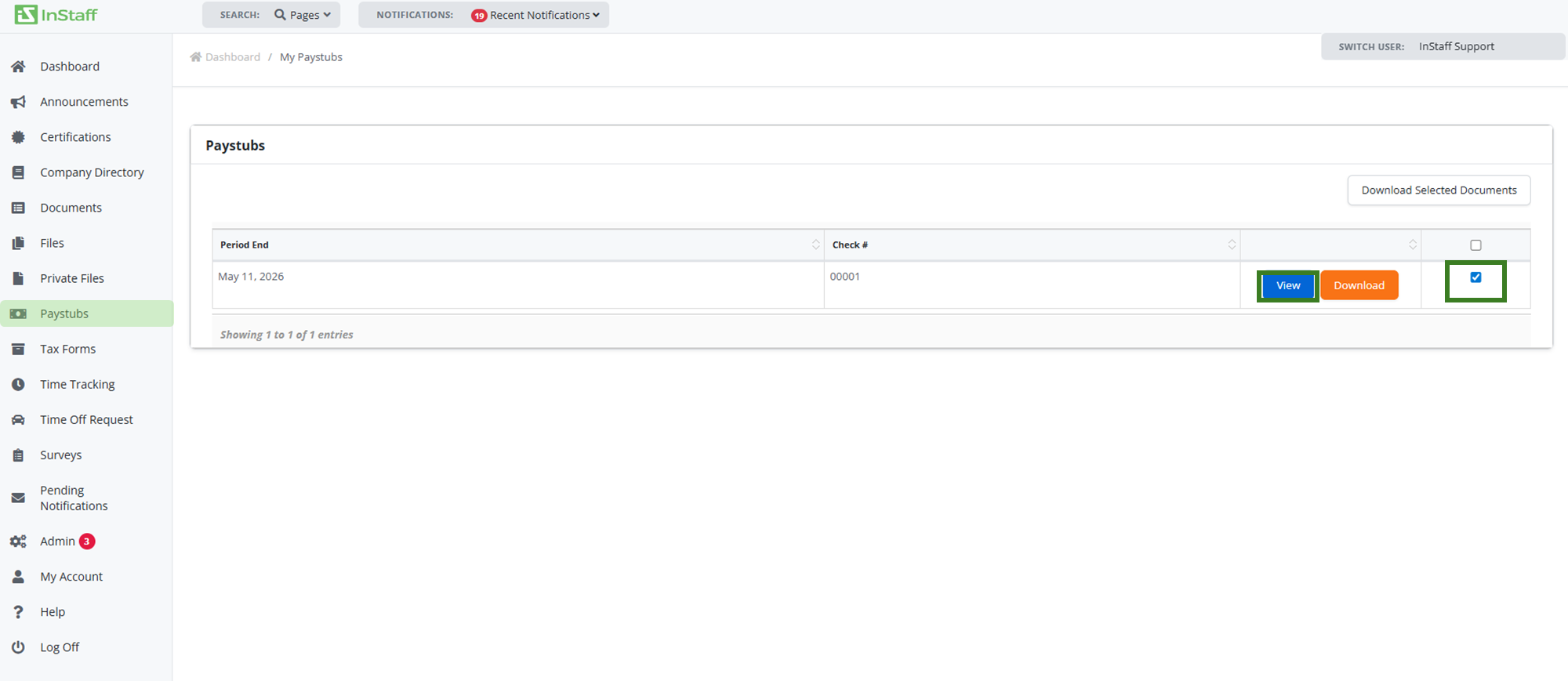
How to access your paystubs?
1 Visit the InStaff portal link provided to you by your Company’s payroll staff. This would have been given to you directly or on a notification email.
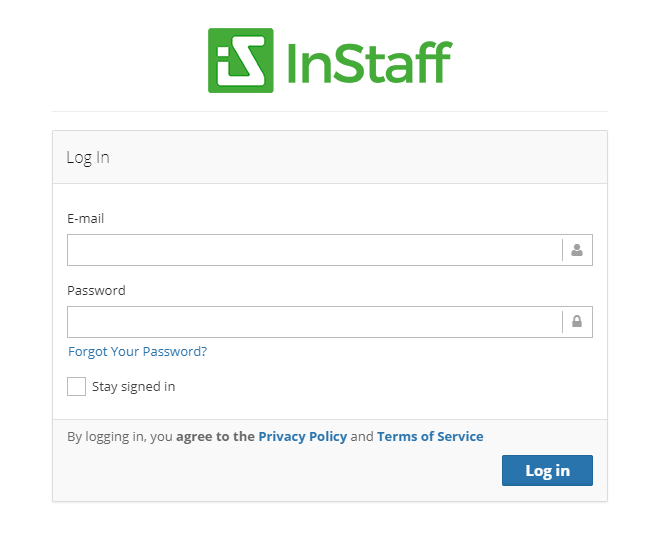
2. Enter your Email Address and Password then click Log in.
3. Once logged in, proceed to Paystubs — all of your paystubs are viewable on this screen.
4. Click View or Download to view that period’s paystubs. Paystubs are available to view, save and print.