Create a Time Off Request on Behalf of an Employee
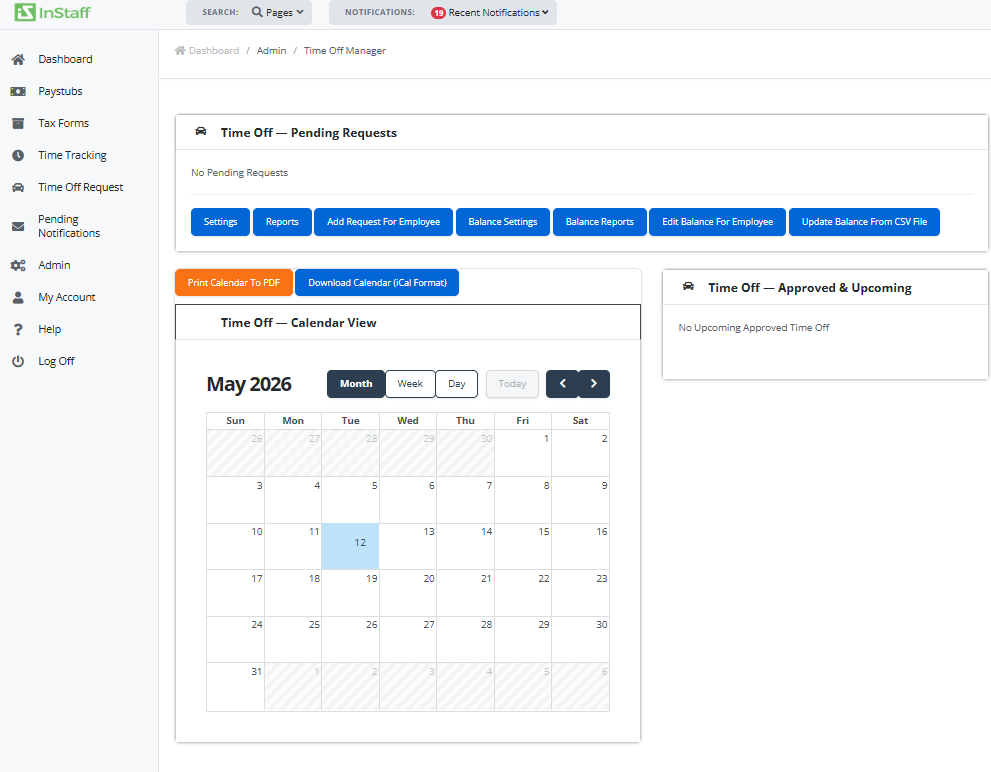
1. Login as Administrator.
2. From the sidebar menu, click Admin > Time Off Requests.
3. From Time Off – Pending Requests section, click Add Request For Employee button.
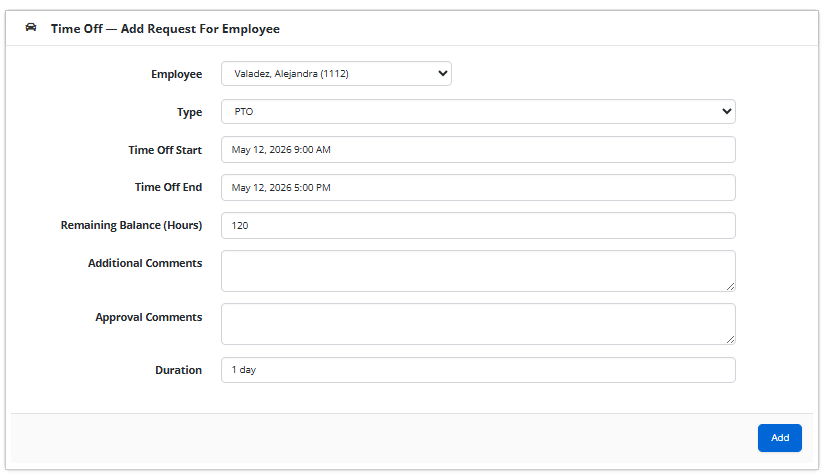
4. Select Employee.
5. Select Type.
6. Select Time Off Start and End.
7. Click Add.