
Sending Pay Document Notifications
1. After publishing a batch of Paystubs or Taxforms, navigate to the Pending Notifications page.
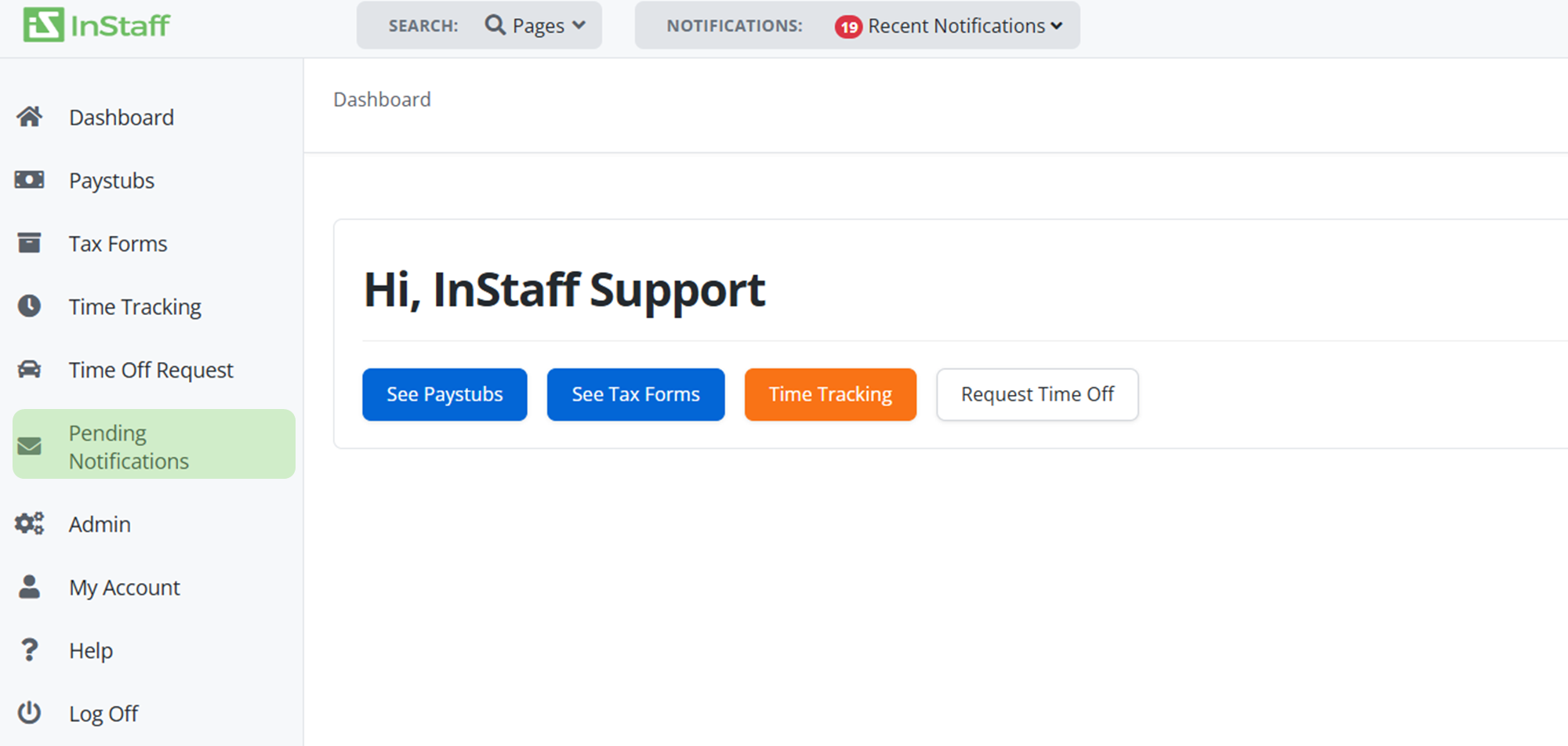
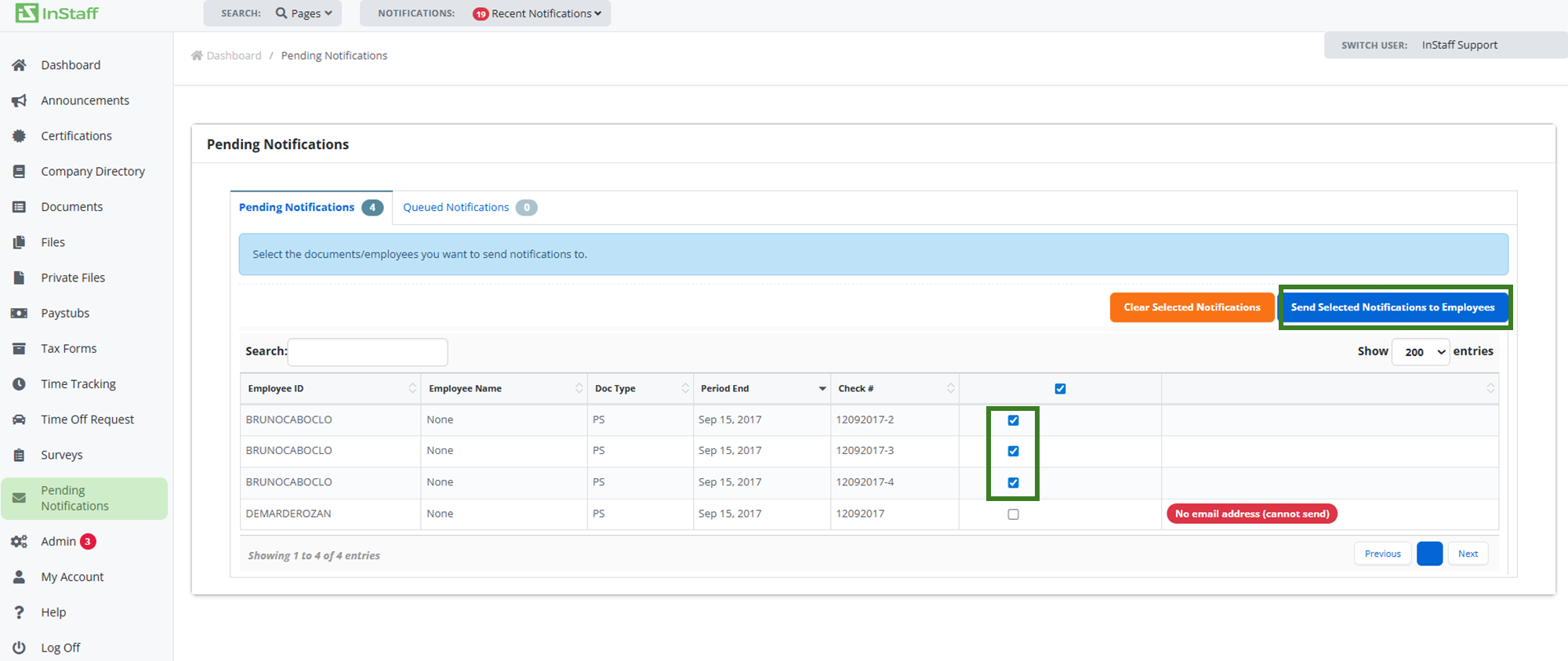
2. Select the notification you wish to send.
3. Click Send Selected Notifications to Employees to send notifications to selected employees or alternatively;
4. Click Clear Selected Notifications to clear notifications
|
Note: Employee has to have an Email to receive document notifications |