
How do I change my password?
1. Login to your portal.
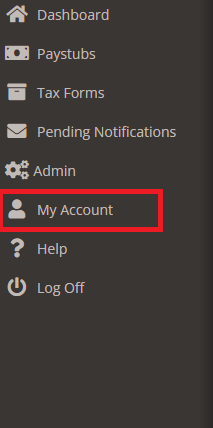
2. Go to My Account.
3. Go to Change Password Tab.
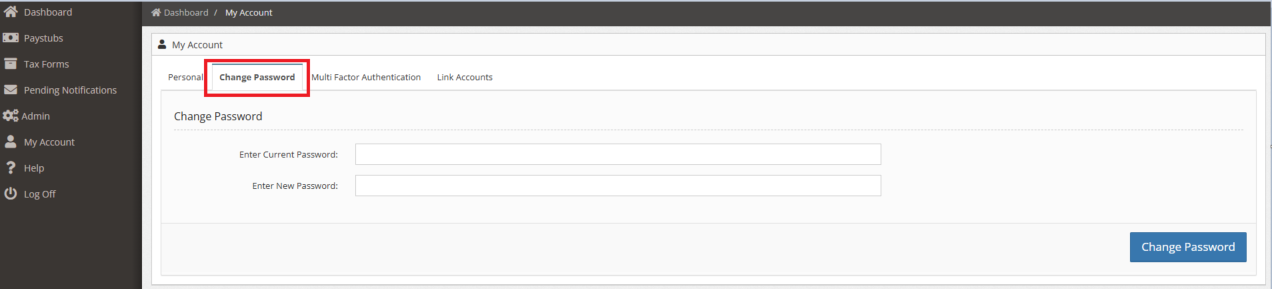
4. Enter Current and New Password then click ‘Change Password’ button.
1. Login to your portal.
2. Go to My Account.
3. Go to Change Password Tab.
4. Enter Current and New Password then click ‘Change Password’ button.
Can’t find what you’re looking for? Our support team is here to assist you.