
How to change your email address
This section explains how to change your email address in the portal to keep your account information accurate.
- Log in to your portal (e.g., yourcompany.instaff.org) using your employee credentials.
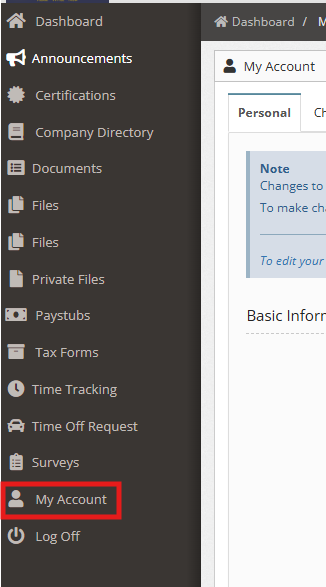
- From the left-hand menu, select My Account
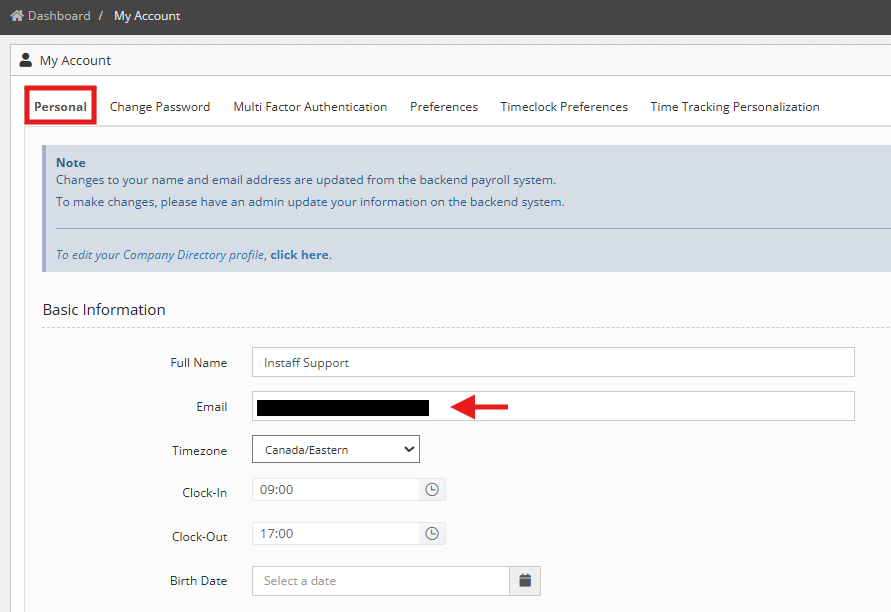
3. Go to Personal Tab and in the Email field, enter your new email address.
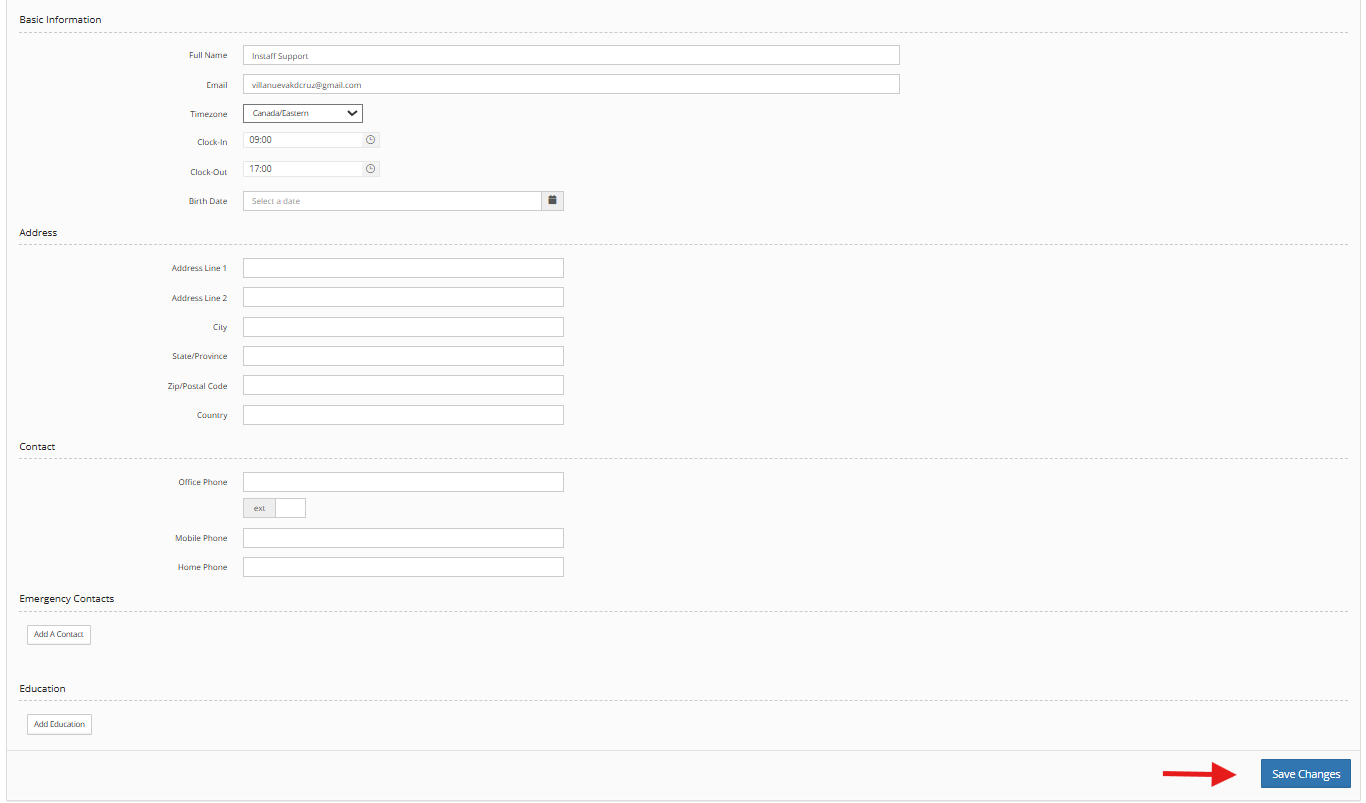
5. Click Save Changes to update your email.
Note: Should you encounter any issues, your administrator can also update your email address on your behalf.
You can also check: