
Cancel an Employee Time Off Request
Only Admins can cancel time off requests.
1. Login as Administrator.
2. Click Admin > Time Off Requests from sidebar menu.
3. From Time Off – Approved & Upcoming Section, look for the request to be cancelled and click Cancel Request button.
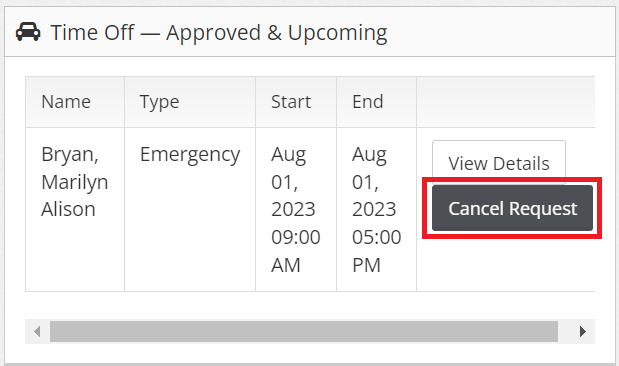
4. Click OK.
The requestor will be notified that the time off request was cancelled thru email.