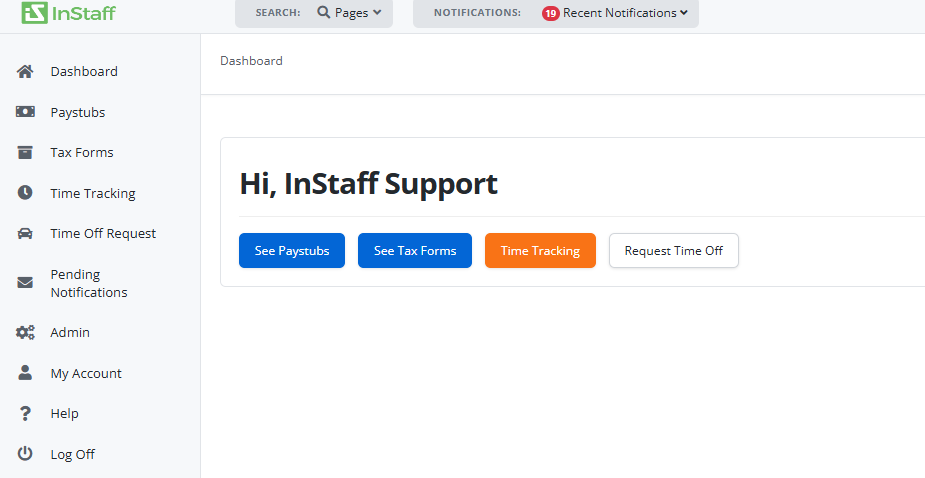
Steps to log in to your portal
There are 2 ways to login to your portal. Please see below:
A. Directly login to your company portal.
If you have any issues, please contact your HR/Payroll coordinator.
B. In case you forgot your direct login URL and you have logged in before, you can follow the Portal Look-up steps below:
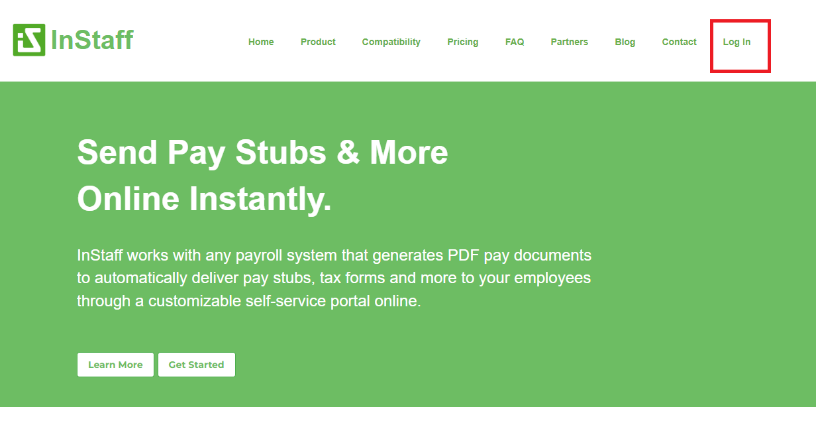
- Click Login from https://instaff.org/ as shown below.
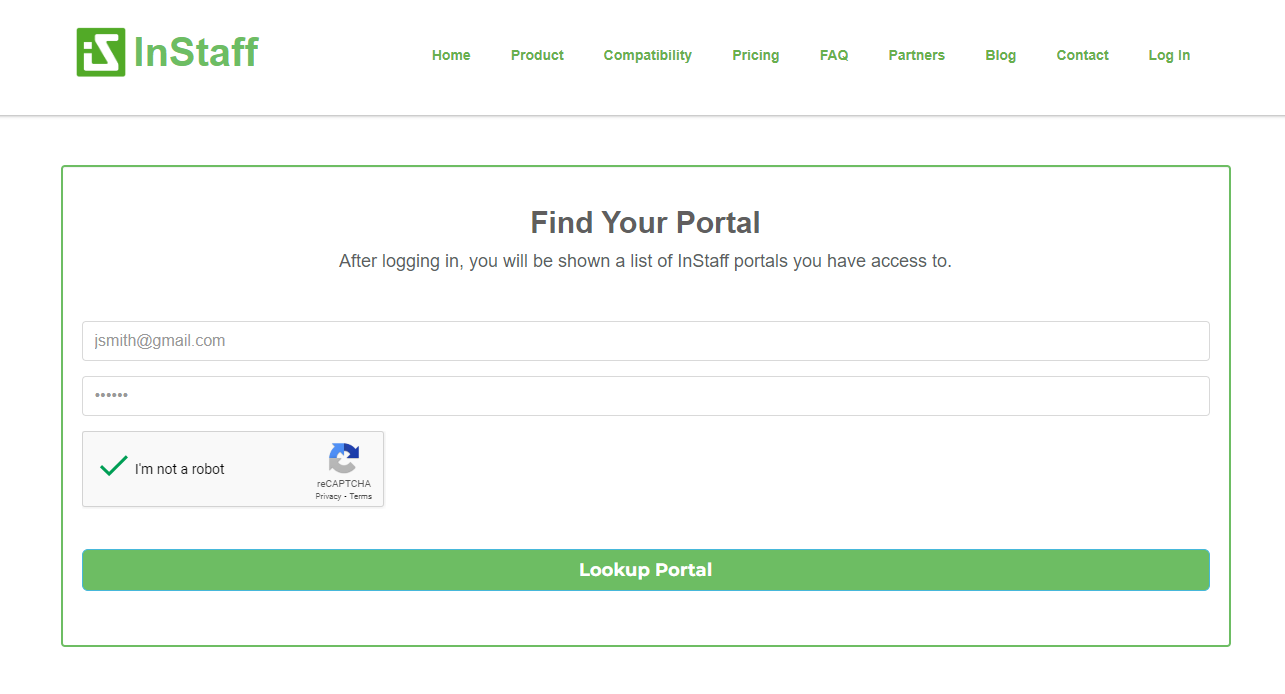
- Find your portal by filling out the form with your details.
- Password
- Once done, Tick the I’m not a robot checkbox.
-
Click the Lookup Portal button.
-
After clicking the Lookup portal button, you will be navigated to the portal page with the list of portals/company you belong to.
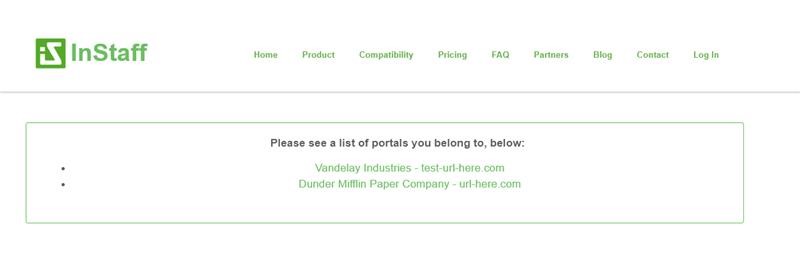
Note: If no portals appear, your username or password may be incorrect, or your account hasn’t been set up for portal access yet.
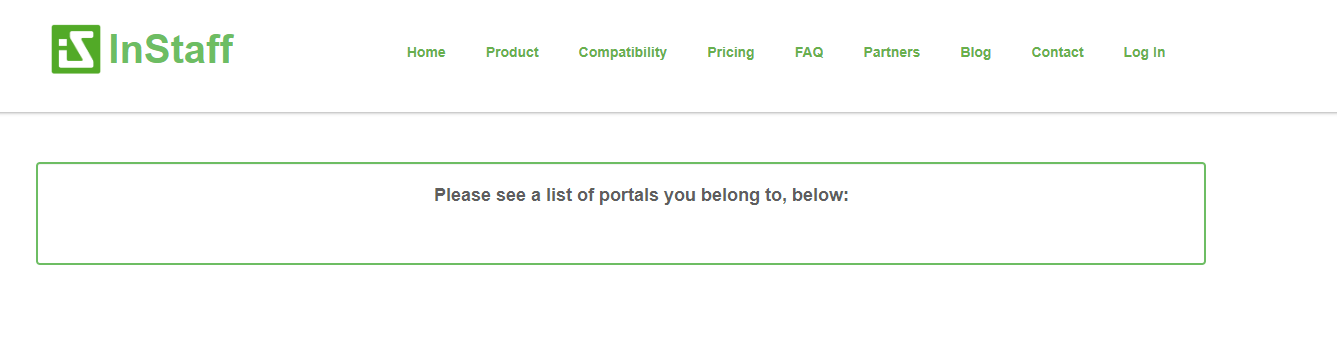
Please contact your HR/Payroll coordinator for assistance.
- Click the portal you want to access, and you will be navigated to another login page.
- Enter your email, password and click login.
-
Once successfully logged in, you will be navigated to your dashboard where you can view your paystubs as shown below.