
Time Off Reports
Generates a summary of Time off requests based on selected filters.
1. Login as Administrator.
2. From the Sidebar menu, click Admin > Time Off Requests.
3. Click Reports.
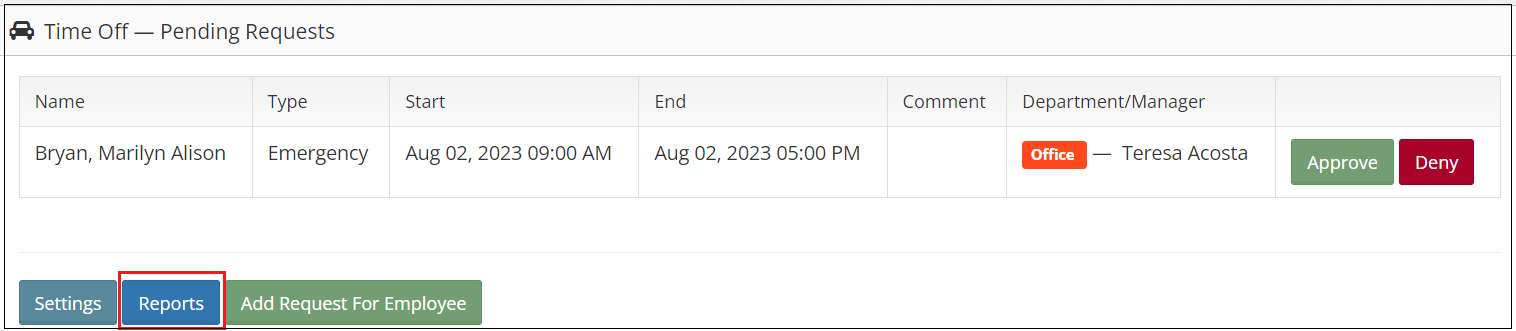
4. Select a filter.
Sample:
a. Date Range: Start Date From = June 1, 2023 and End Date to June 30, 2023
b. By Department
c. Upcoming Time Off Only
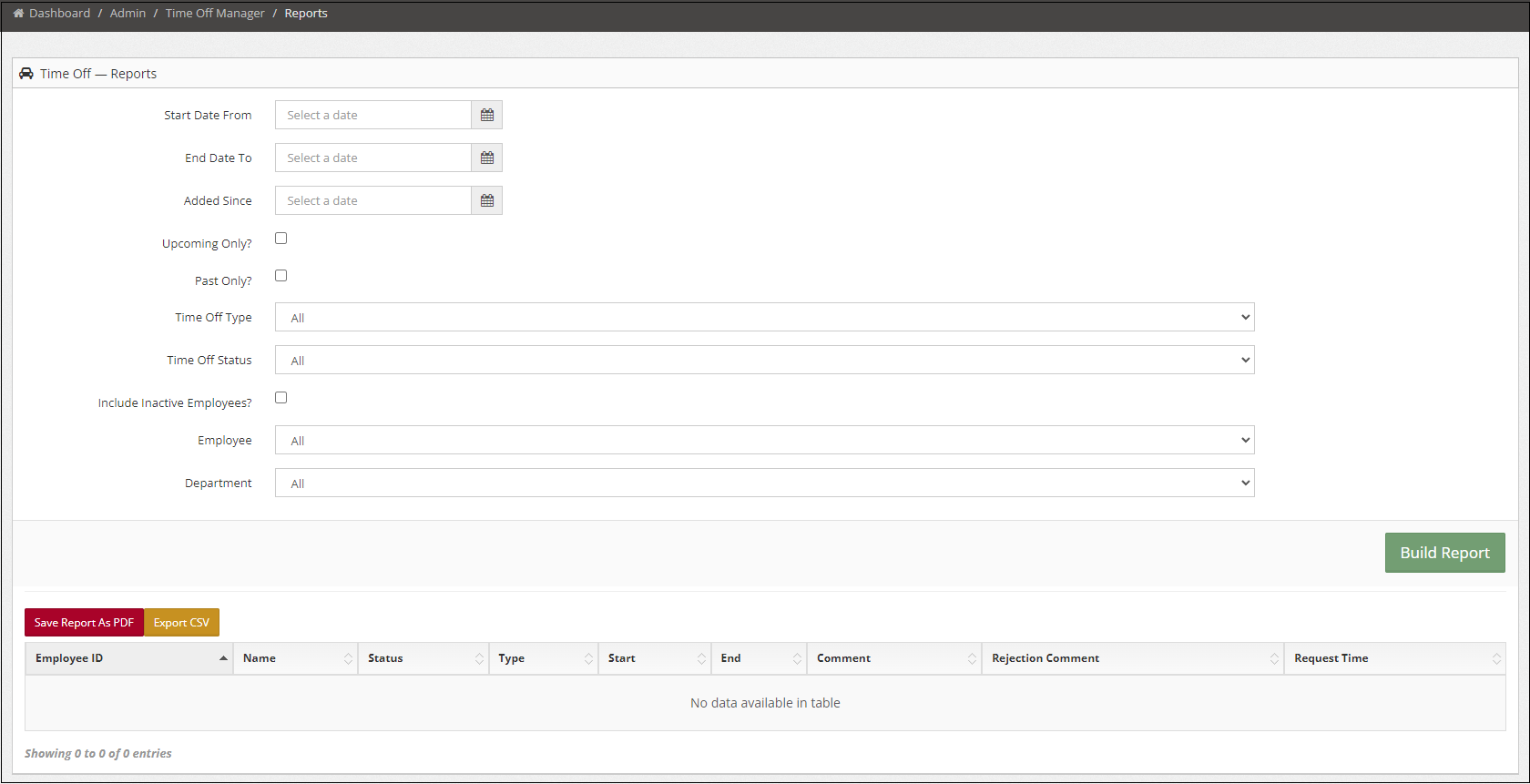
5. Click Build Report.
6. Report can be save as PDF by clicking the Save Report As PDF or export by clicking Export CSV.