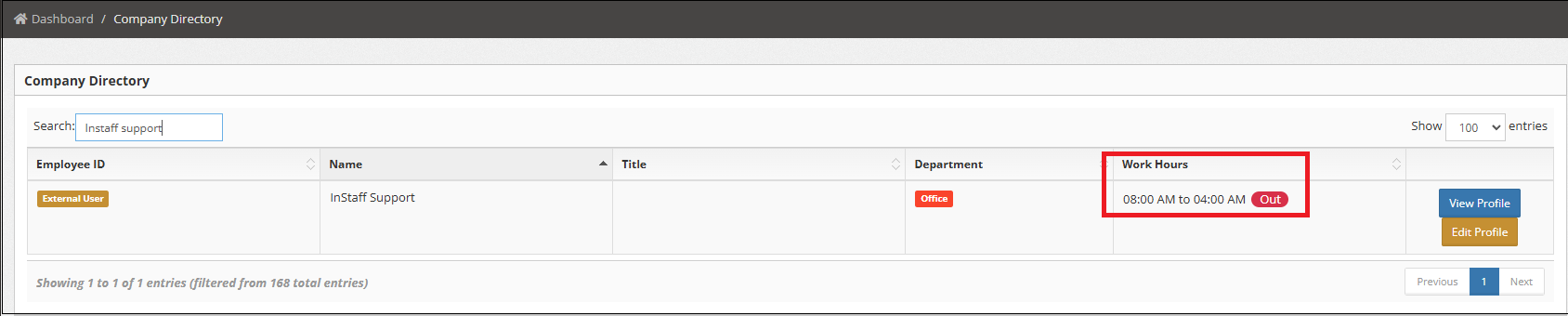
How to Add My Working Hours and make it available in the Company Directory
1. Login to your Portal.
2. Go to My Account .
3. Fill out Clock-In and Clock-Out fields.
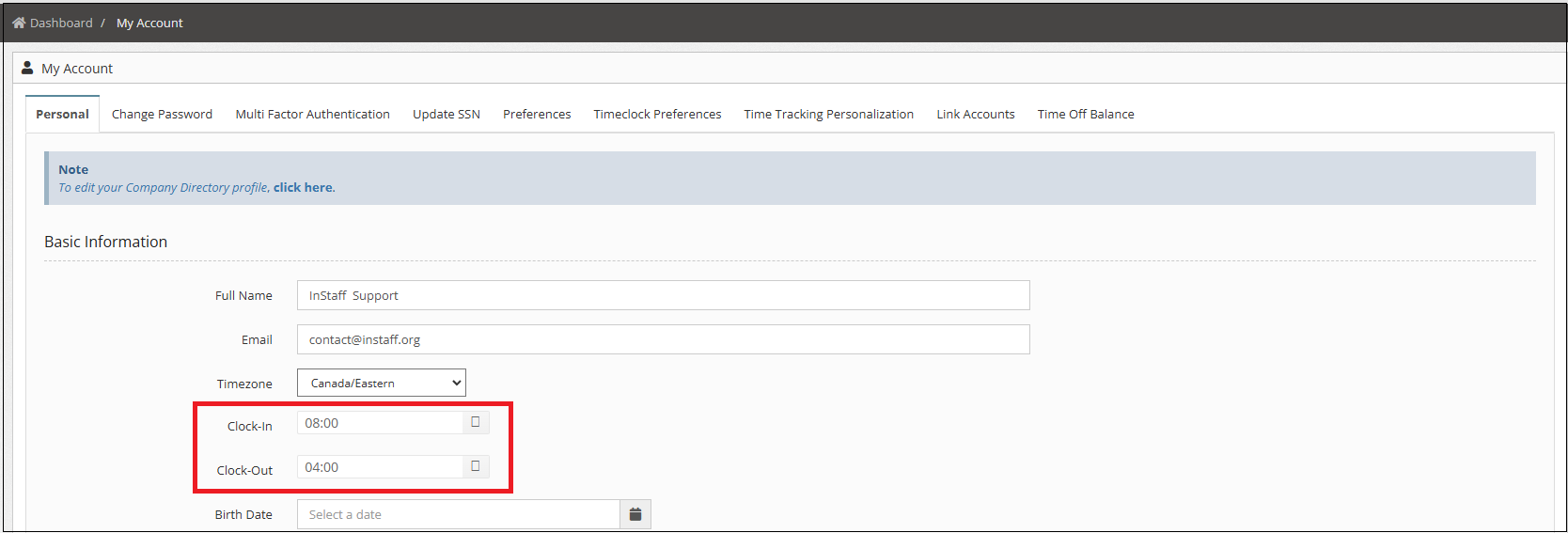
4. Click Save Changes.
After saving, the working hours will be updated in the Company Directory, along with an indicator showing whether an employee is currently In or Out.