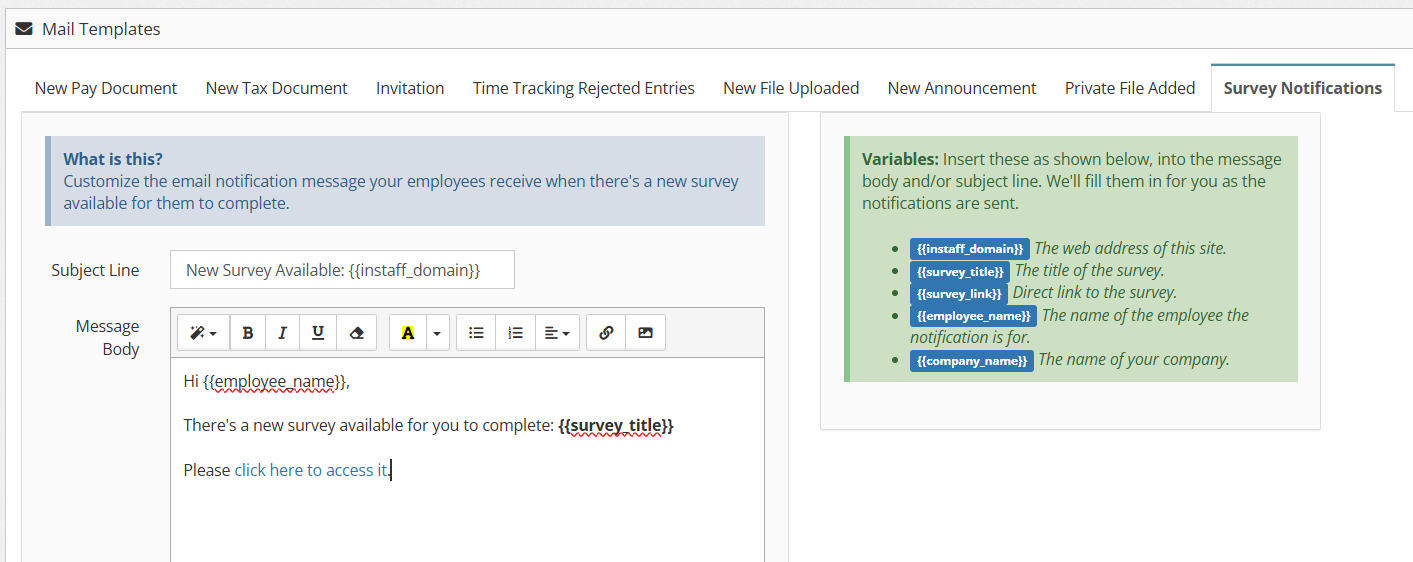
How to Customize Survey Notification Email – Administrator’s Guide
1. Log in to your portal (e.g., yourcompany.instaff.org) as an Administrator.
2. From the left-hand menu, go to Admin, then select Email Templates.
3. Go to Survey Notifications.
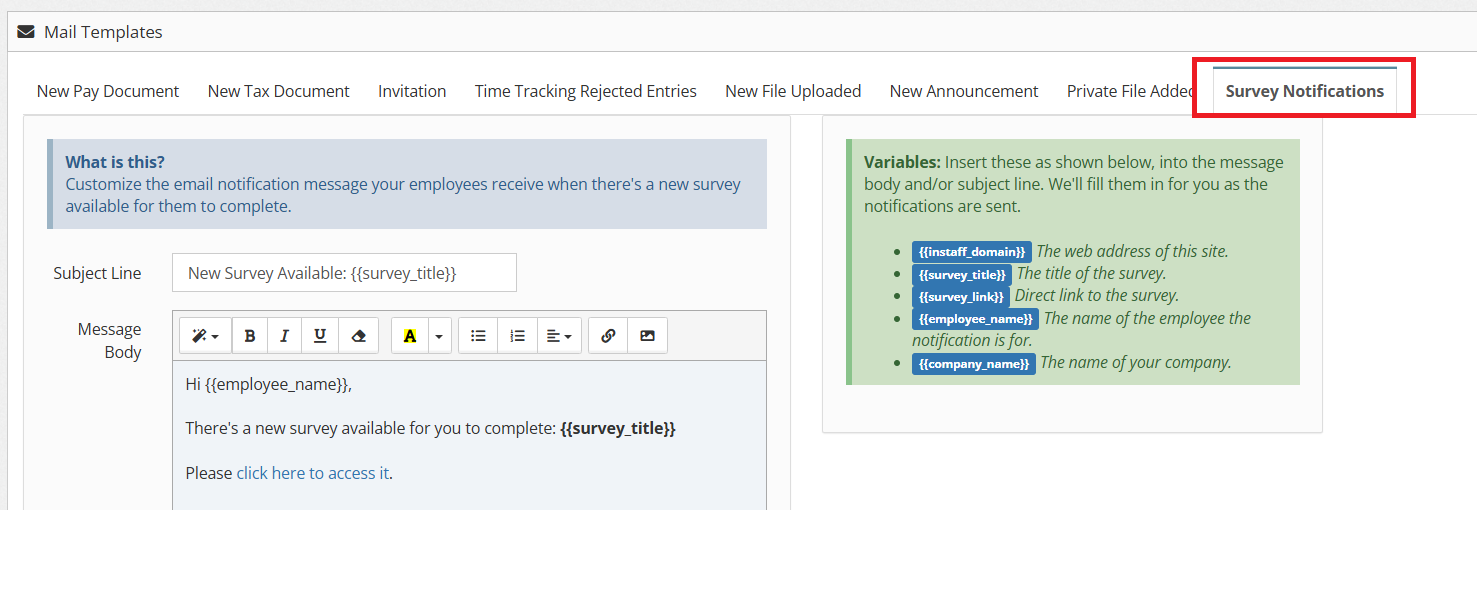
4. Edit Subject Line and Message Body. You can also add your signature.