How to Set Up Payment and Billing Information
1. Log in to your portal (e.g., yourcompany.instaff.org) as an Administrator.
2. From the left-hand menu, go to Admin, then select Billing.
3. On the right side, under ‘Payment Method,’ click the dropdown menu and select your preferred payment option – Other, Credit Card and Check/Cheque
4. Then, click on Save Payment Method.
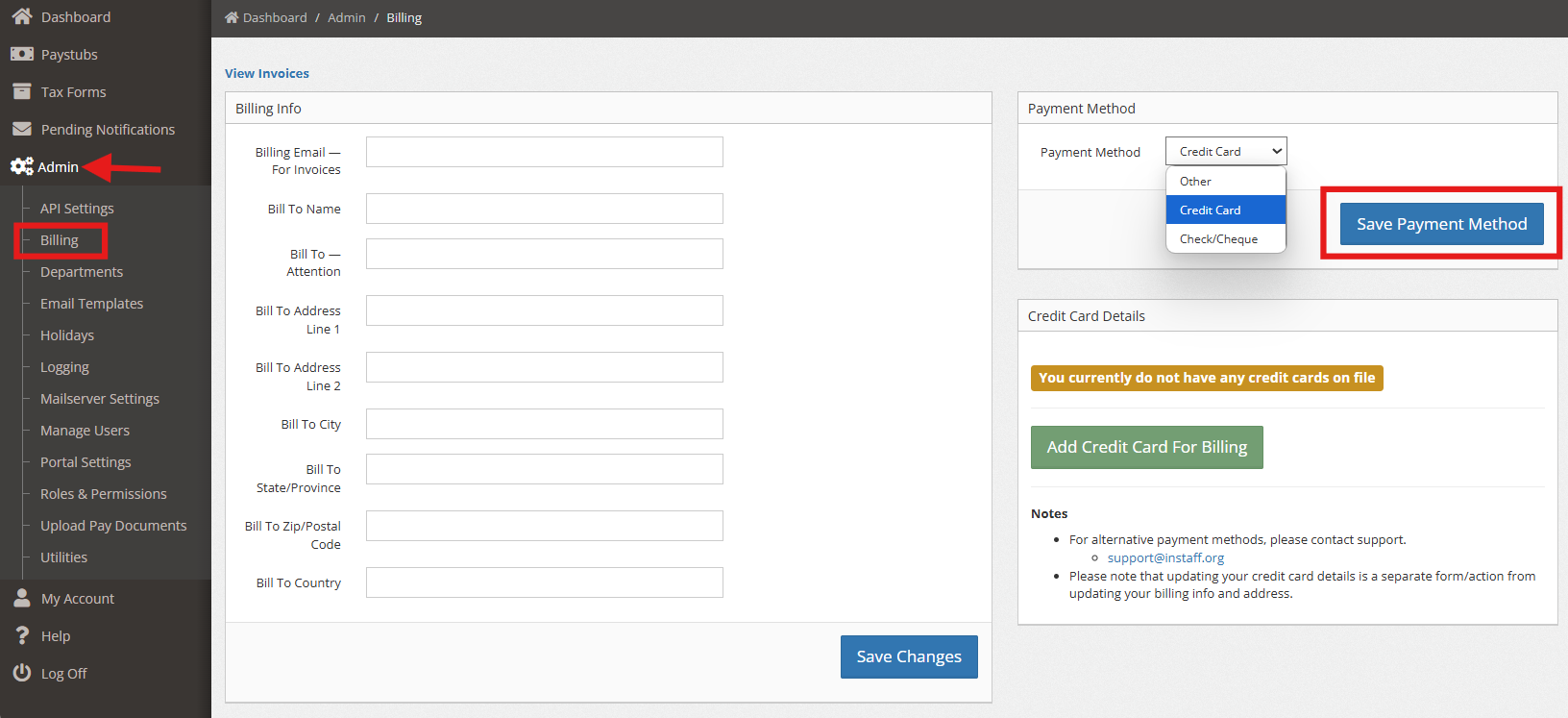
5. If you choose Credit card as your payment method, Under ‘Credit Card Details,’ you may enter your credit card information by clicking on ‘Add Credit Card for Billing. 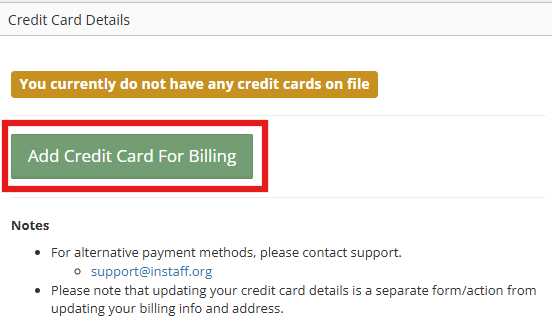
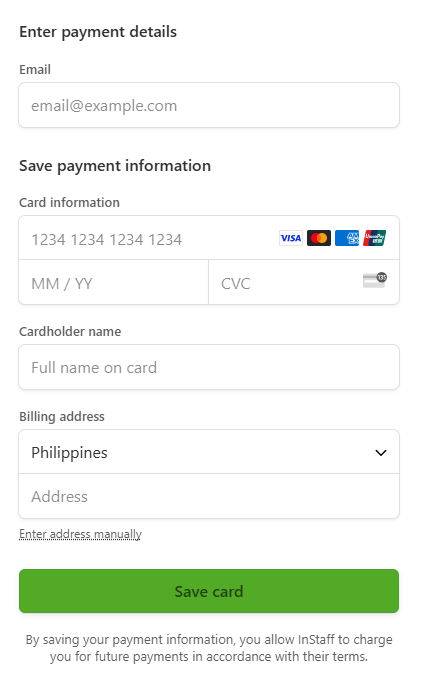
6. Once done, click on Save Card.