Deleting a Folder or File
1. Log in to your portal (e.g., yourcompany.instaff.org) as an Administrator.
2. From the left-hand menu, go to Admin, then select Files.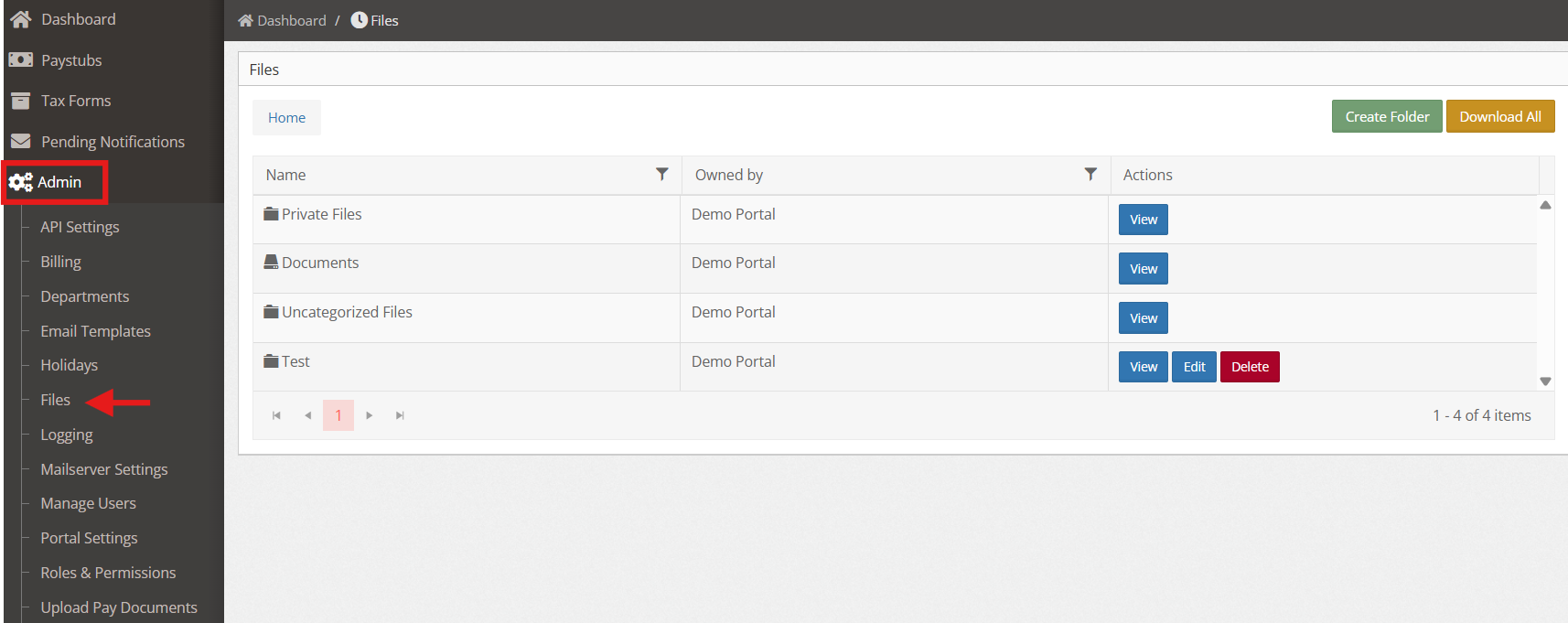
3. To delete a folder, just click on the red button ‘Delete’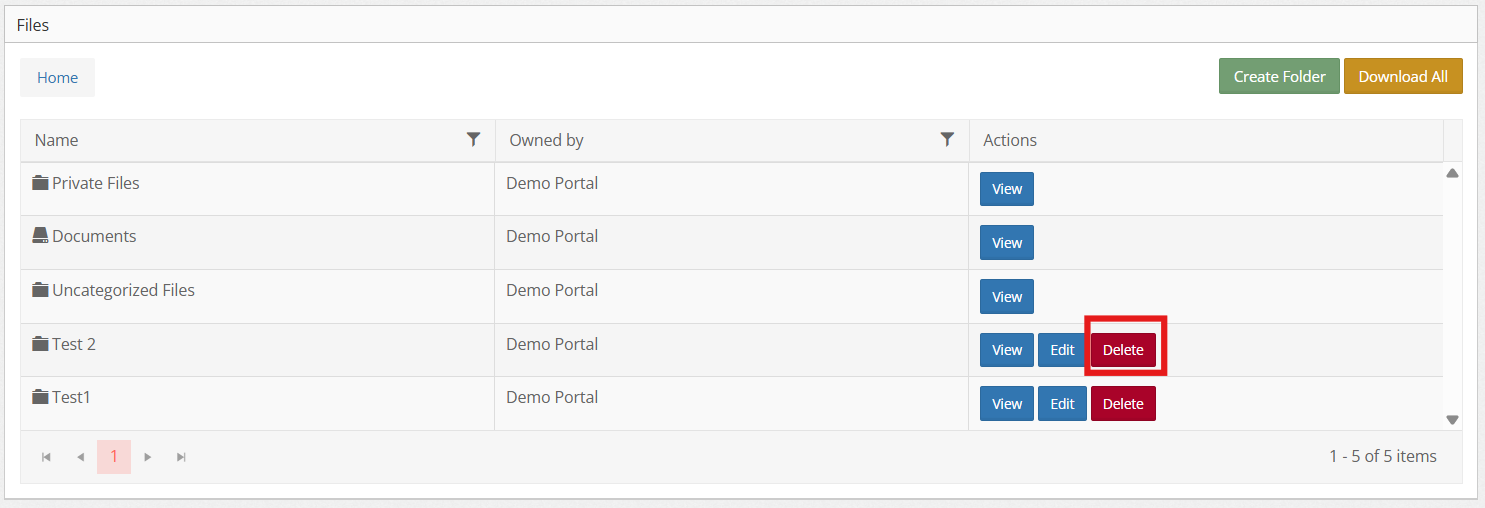
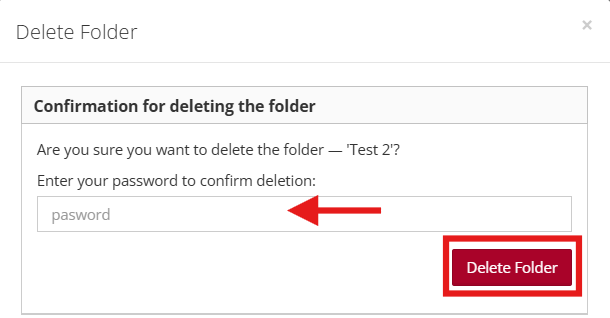
4. A confirmation window will appear and you need to enter the password then click Delete Folder
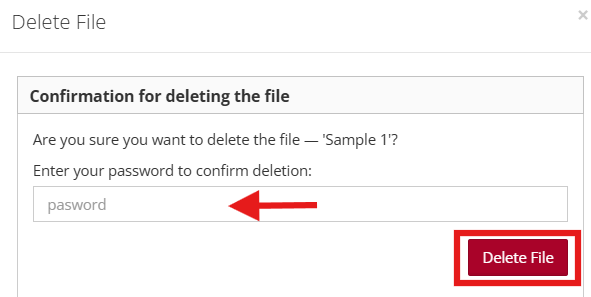
5. To delete a file, open the folder, then click “Delete” on the file you want to remove.
6. A confirmation window will appear and you need to enter the password then click Delete File.