Uploading new files into a folder
1. Log in to your portal (e.g., yourcompany.instaff.org) as an Administrator.
2. From the left-hand menu, go to Admin, then select Files.
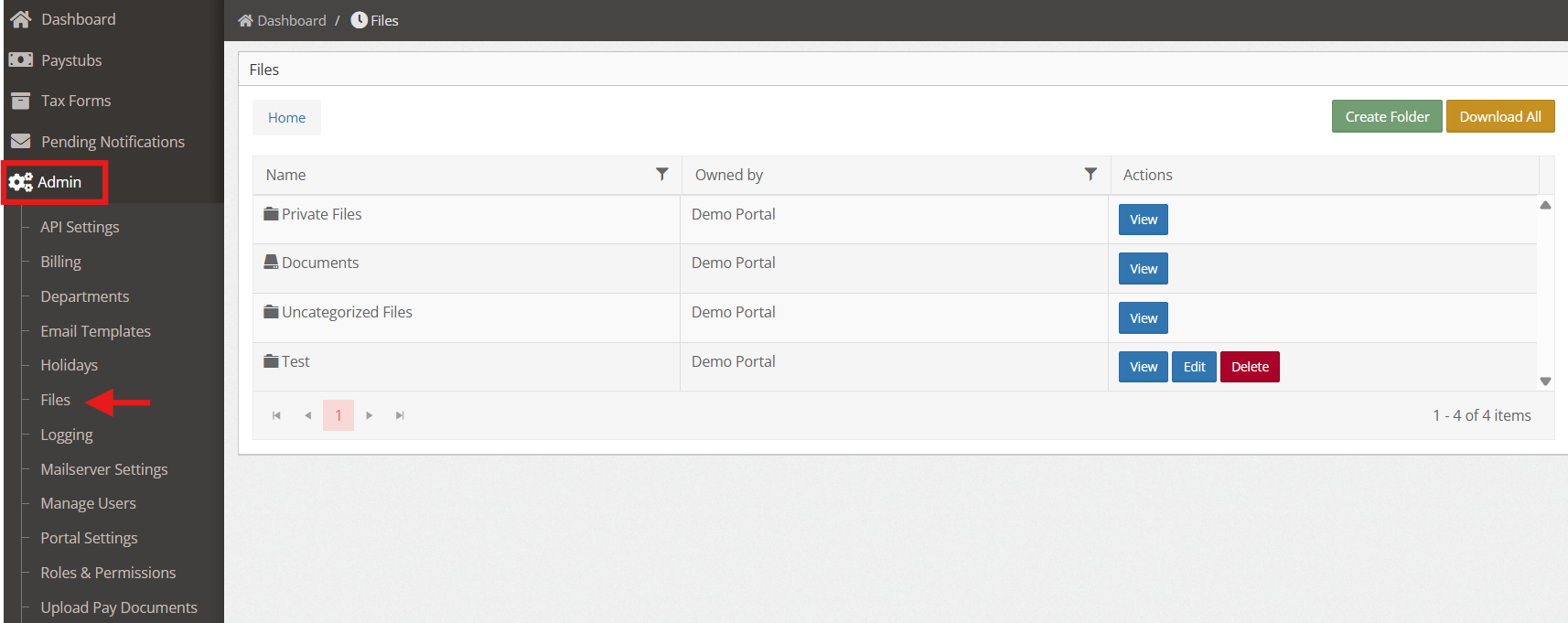
3. Open the folder where you want to upload the files, then click “Upload Files” at the top right.

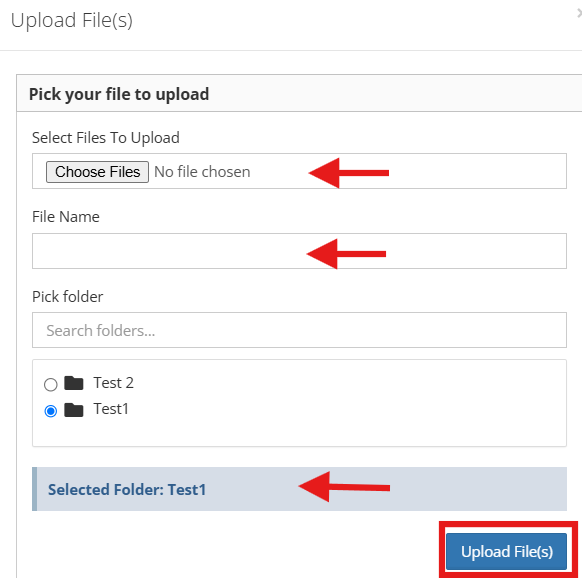
4. Fill in the required details, select the folder where you want to upload the file(s), then click “Upload File(s)” to proceed.