
Navigating Folders & Files
This guide will help you learn how to find and open folders and files. It covers the basics of moving through folders, locating specific files, and keeping your documents organized.
1. Log in to your portal (e.g., yourcompany.instaff.org) as an Administrator.
2. From the left-hand menu, go to Admin, then select Files.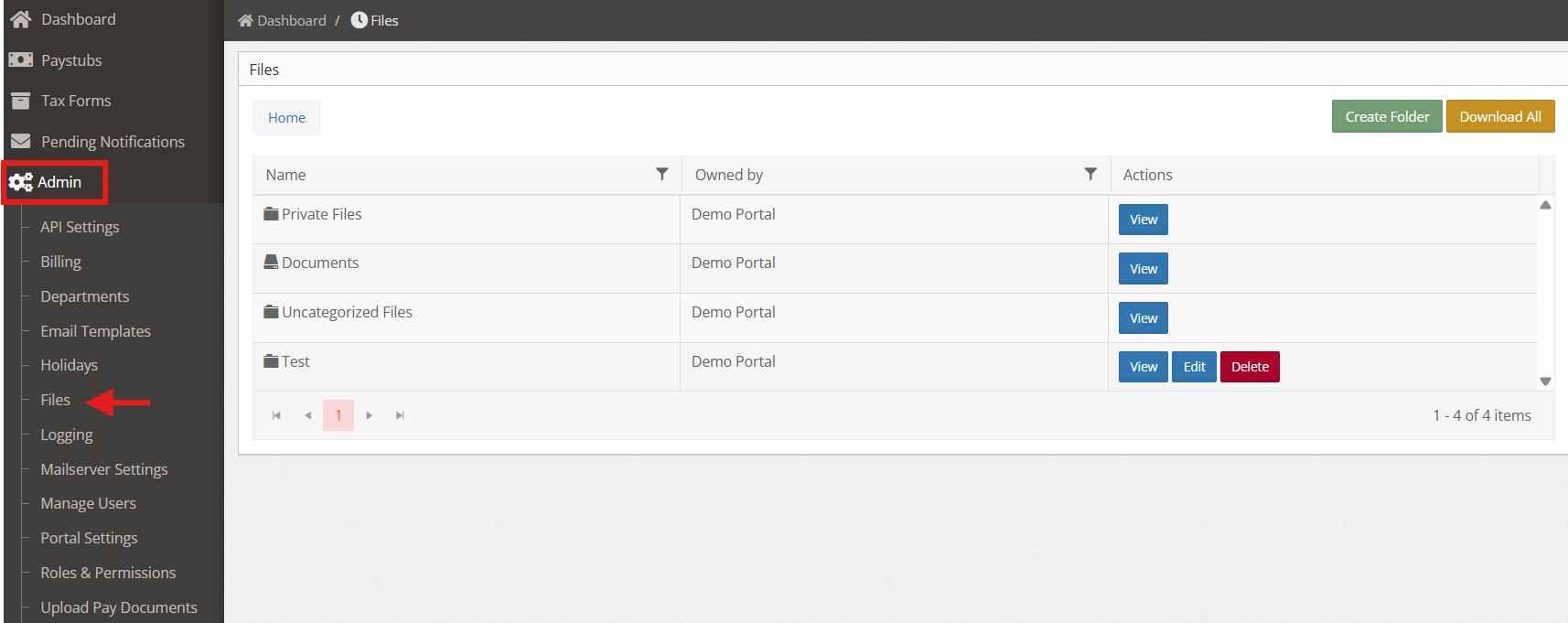
3. Under the Files tab, you’ll be able to see the Folder and Files that you have created.