
Activating Inactive Certification Types – Administrator’s Guide
1. Log in to your portal (e.g., yourcompany.instaff.org) as an Administrator.
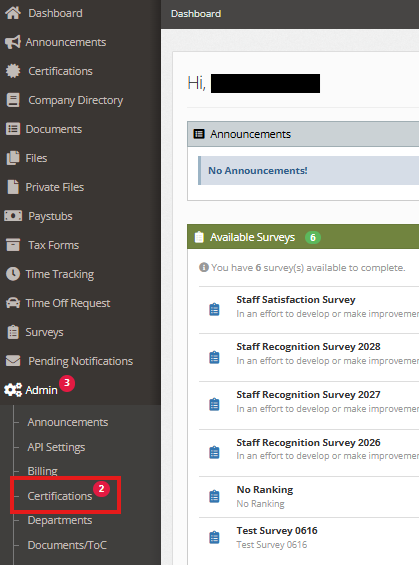
2. From the left-hand menu, go to Admin, then select Certifications.
3. Under Certifications, click on View Inactive.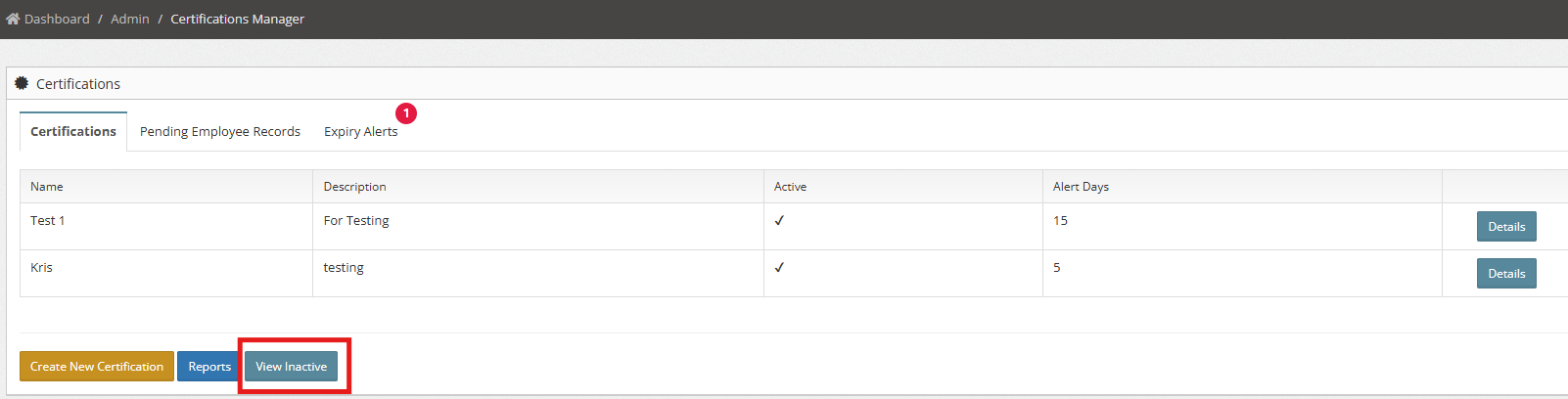
4. Here, you’ll see the list of Inactive Certifications.

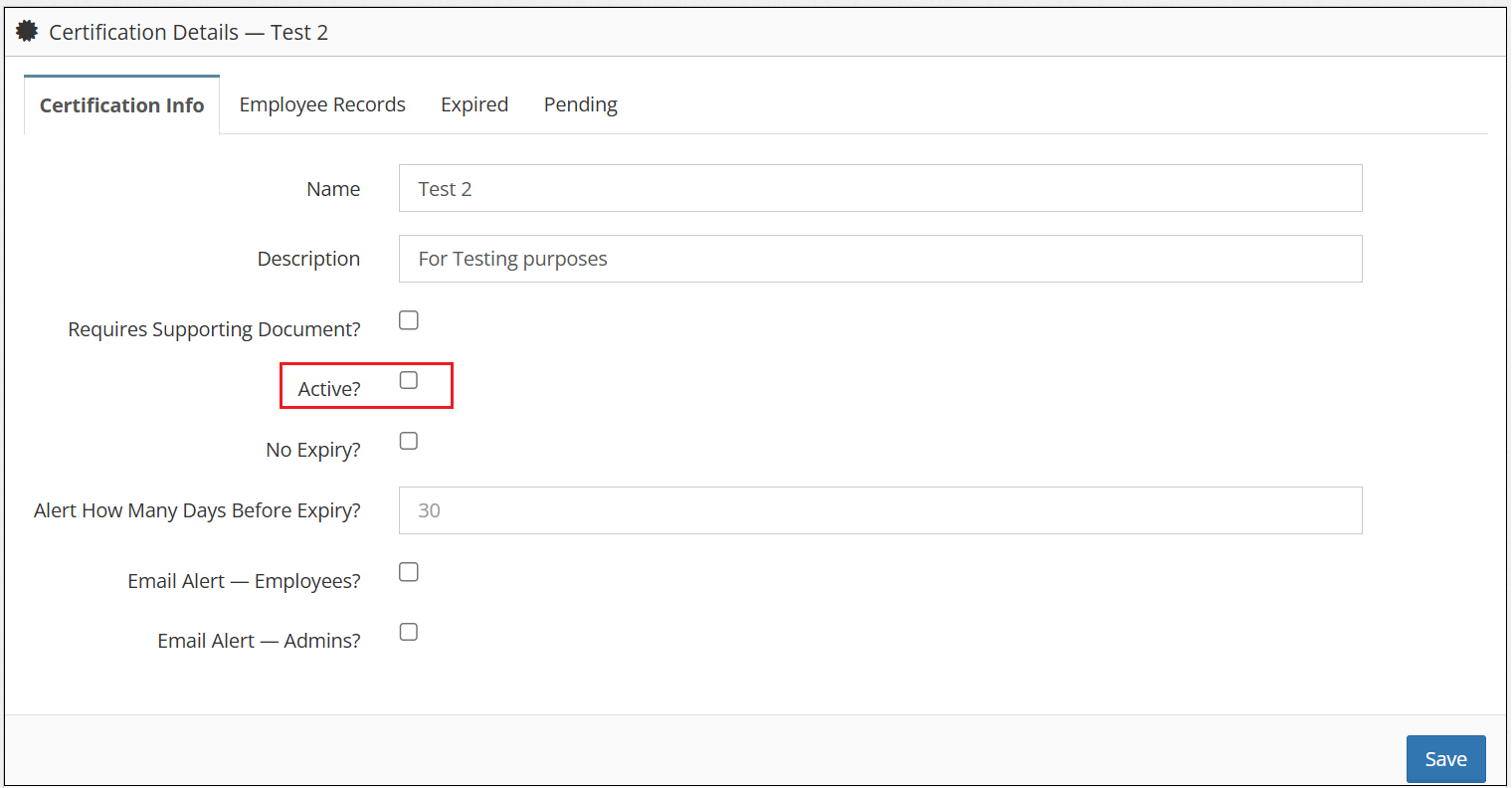
5. Click Details.

6. Select the Active? checkbox and click Save.
You can also check: