
Attaching a Certification Document for an Employee – Administrator Guide
1. Log in to your portal (e.g., yourcompany.instaff.org) as an Administrator.
2. From the left-hand menu, go to Admin, then select Certifications.
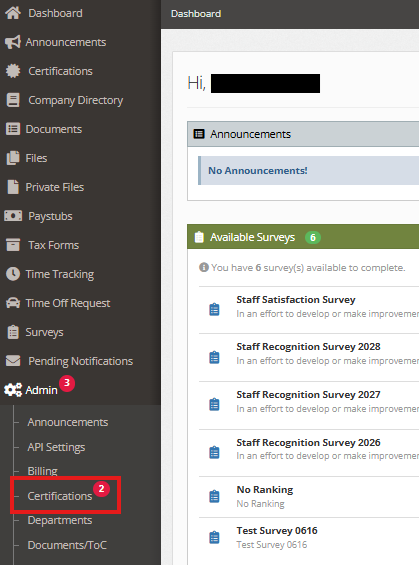
3. In the Certifications Manager tab, find the employee and click ‘Details’ to add their certifications.
a. Add New Employee Certification Record
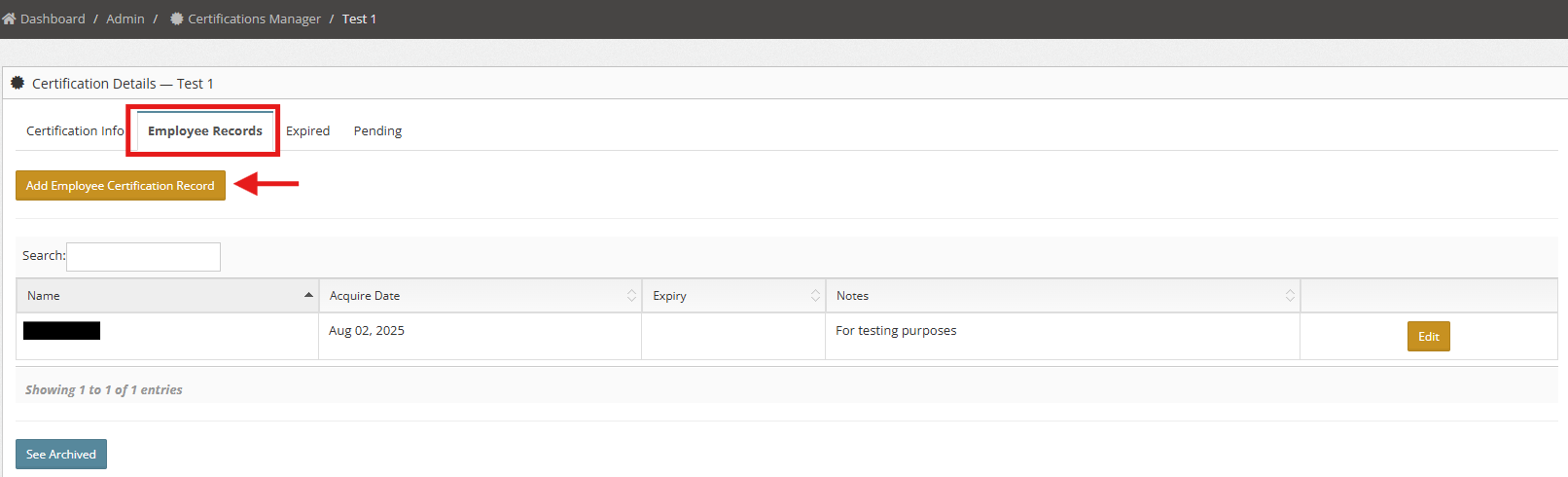
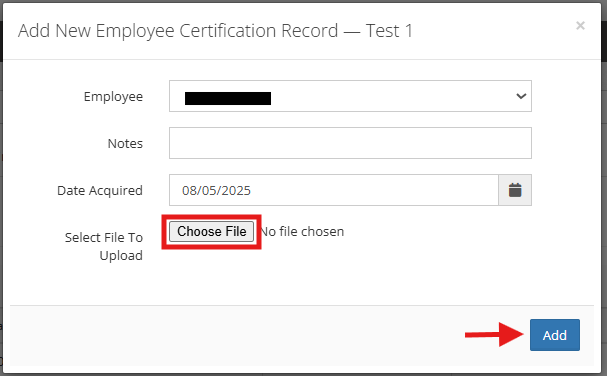
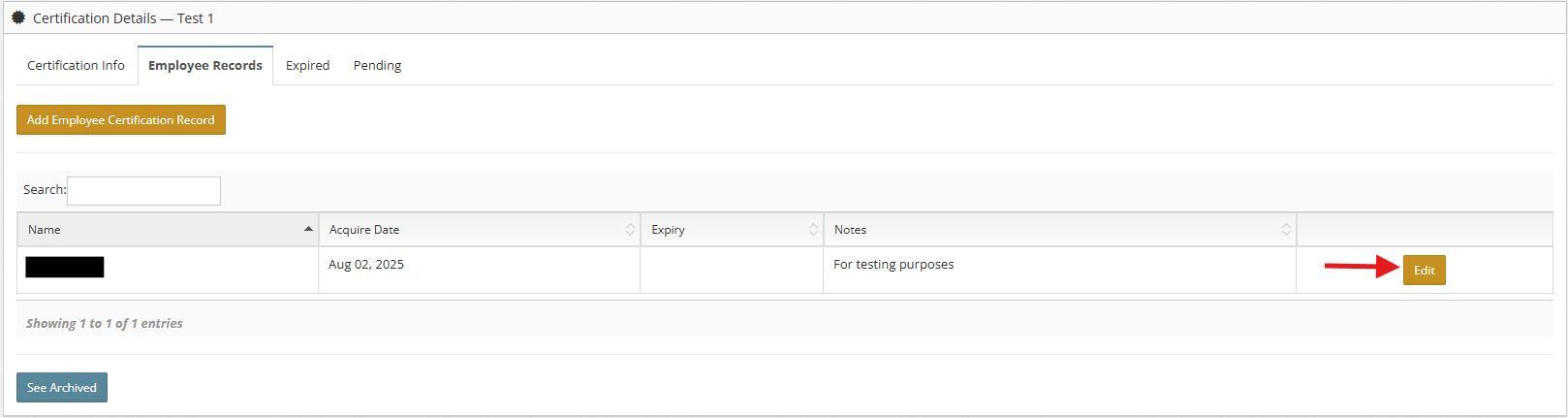
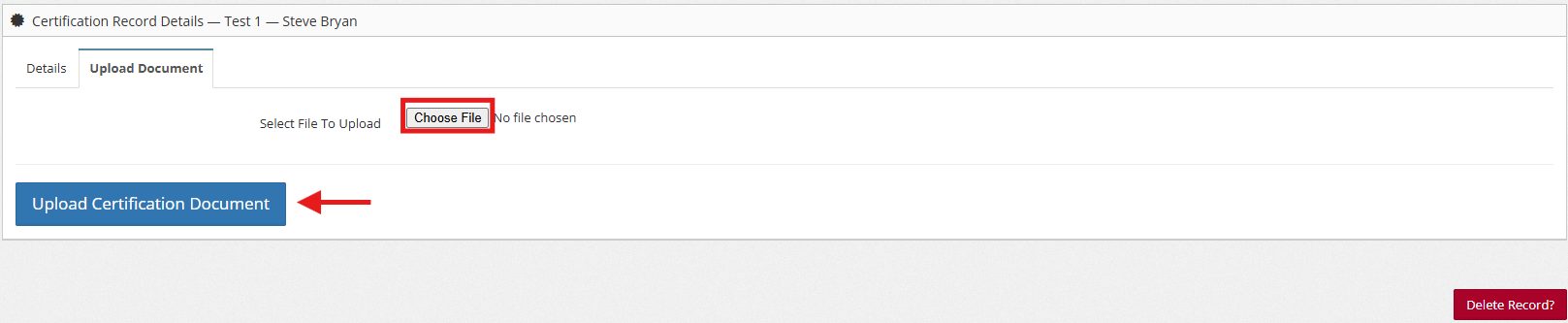
b. Upload certification documents to an existing employee record.
You can also check:
Where to view the inactive certifications
Where to check the Certification reports