
How to Remove Multi-Factor Authentication (MFA) for an Employee
1. Log in as Admin.
2. Navigate to Admin > Manage Users.
3. Click the ‘Manage’ button next to the employee whose MFA needs to be removed/reset.
4. Go to Portal Settings tab and click the ‘Remove MFA’ button.
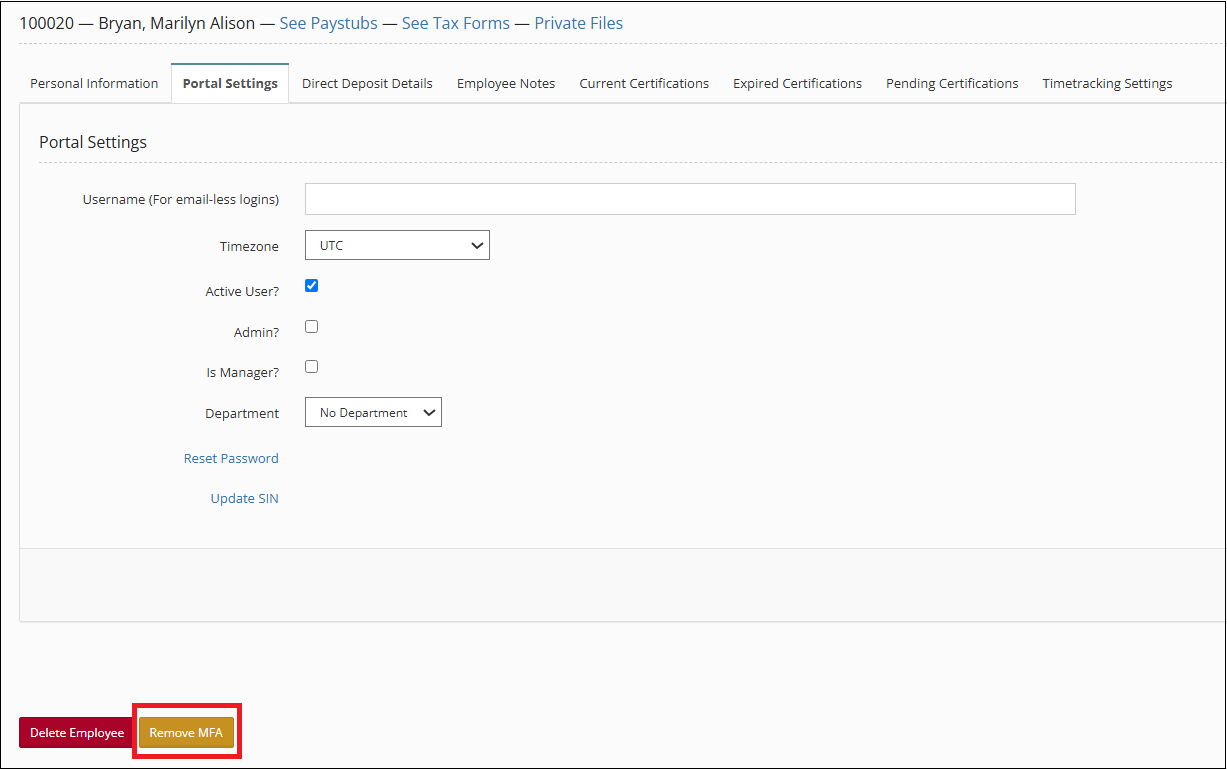
*Note: The ‘Remove MFA’ button is only visible for employees with MFA enabled.