
Updating A Single Employee’s Information
1. Login as an admin user.
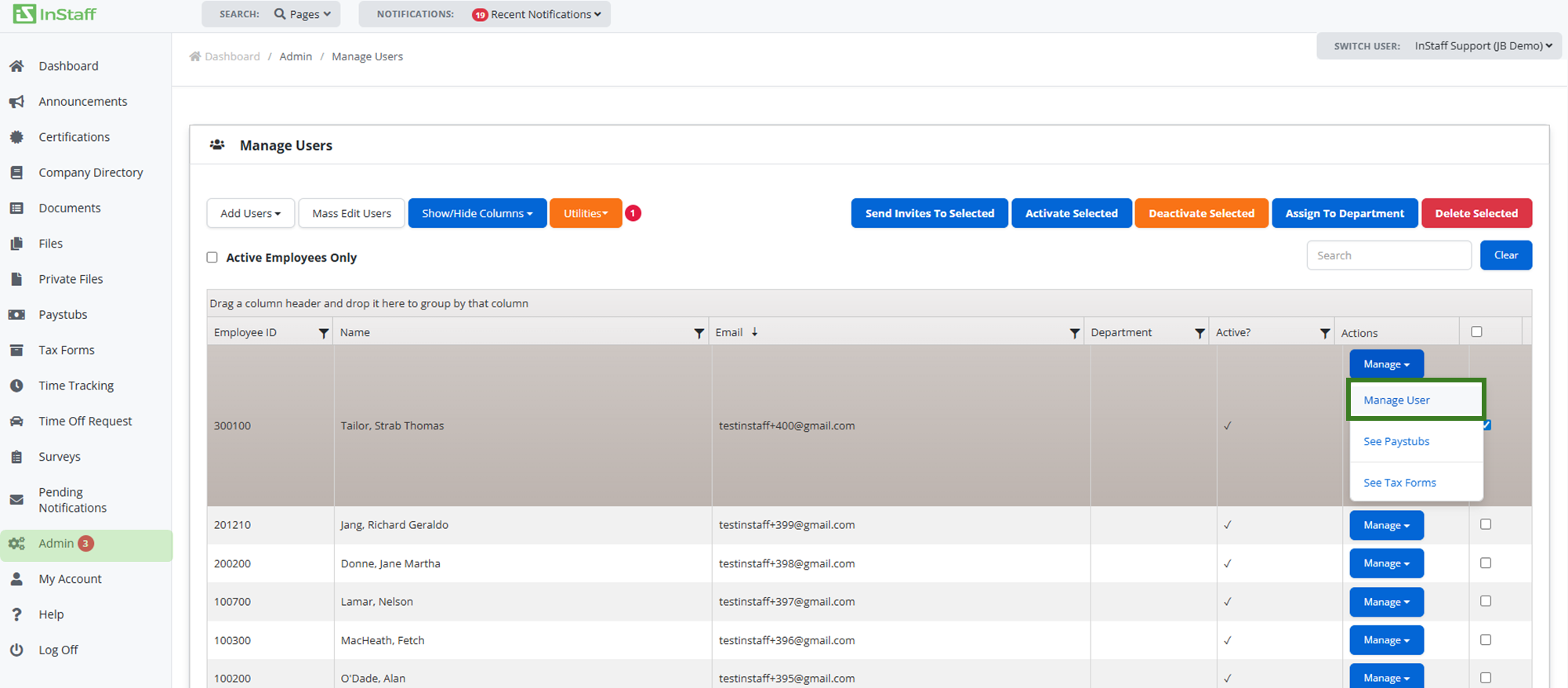
2. Proceed to Admin then Manage Users.
3. Search the employee profile you intend to update;
- You can search for the employee or scroll down to find them
4. Click Manage User on the selected employee.
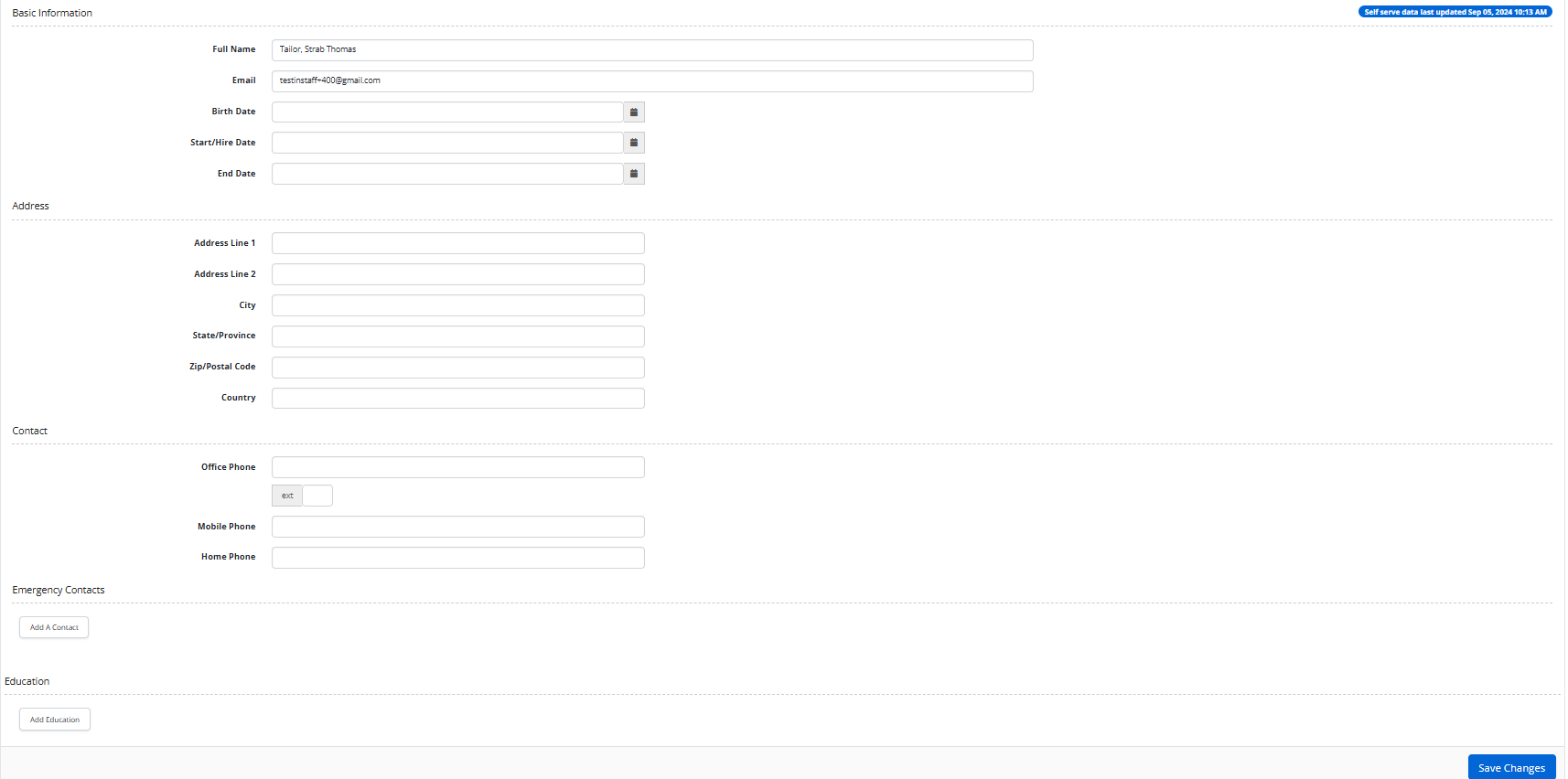
5. Add/Update the information then Save Changes.
| Note: If you delete an employee on InStaff but use an ERP system and sync again, that employee will be created again if still active and present on the ERP system. |