How to Identify Employees with the Same SSN/SIN
Having duplicate SSN or SIN entries can cause issues with payroll and reporting. This guide shows you how to identify employees who may share the same SSN/SIN, helping you catch errors and keep your records accurate.
1. Log in to your portal (e.g., yourcompany.instaff.org) as an Administrator.
2. Go to Admin and from the left-hand menu, click on Utilities then select Reports.
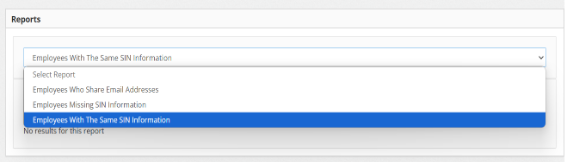
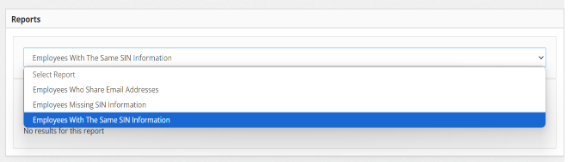
3. From the dropdown, select Employees with the Same SIN Information 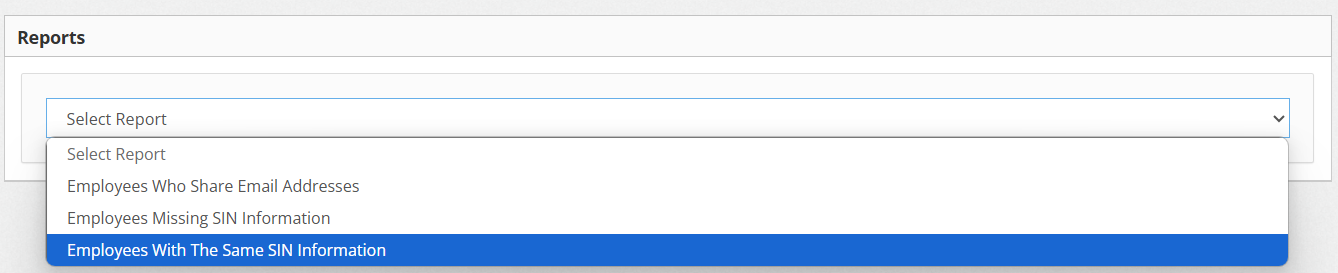
You can also check How to Enter Employee’s SSN/SIN.