
Timeclock – Setting Up an Automatic Time Tracking Subtraction
- Log in as Admin.
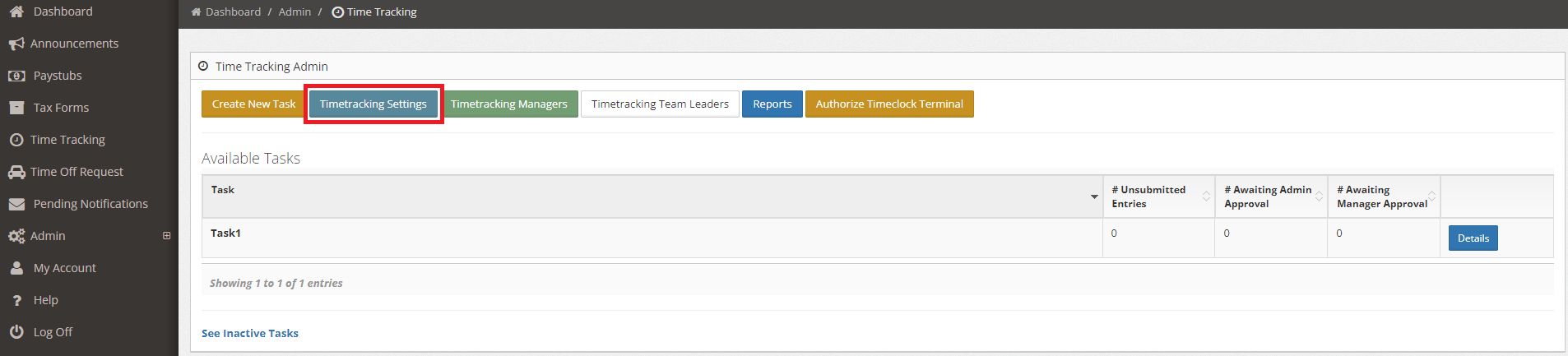
- Navigate to Admin > Time Tracking.
- Click the Time Tracking Settings button as shown below.
- Go to the Automatic Time Tracking Subtraction (Minutes) section. All departments will be shown in this section.
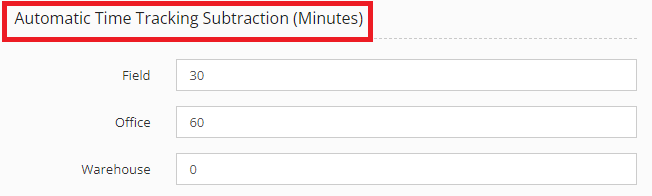
- Set up the number of minutes to be deducted for each department.
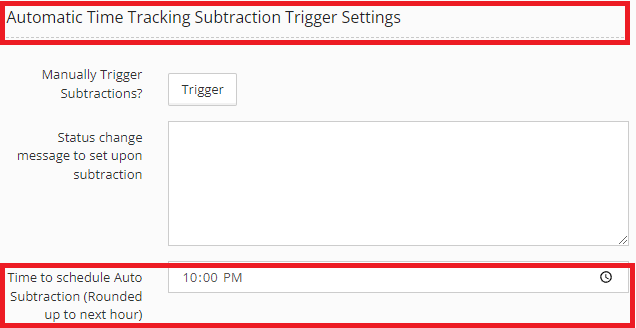
- Under Automatic Time Tracking Subtraction Trigger Settings, set the schedule of Auto Subtraction.
- Click the Save Changes button.