
How to enable Location Tracking
1. Log in to your portal (e.g., yourcompany.instaff.org) as an Administrator.
2. From the left-hand menu, go to Admin, then select Time Tracking.
3. Go to Settings > Location Settings then tick the necessary option.
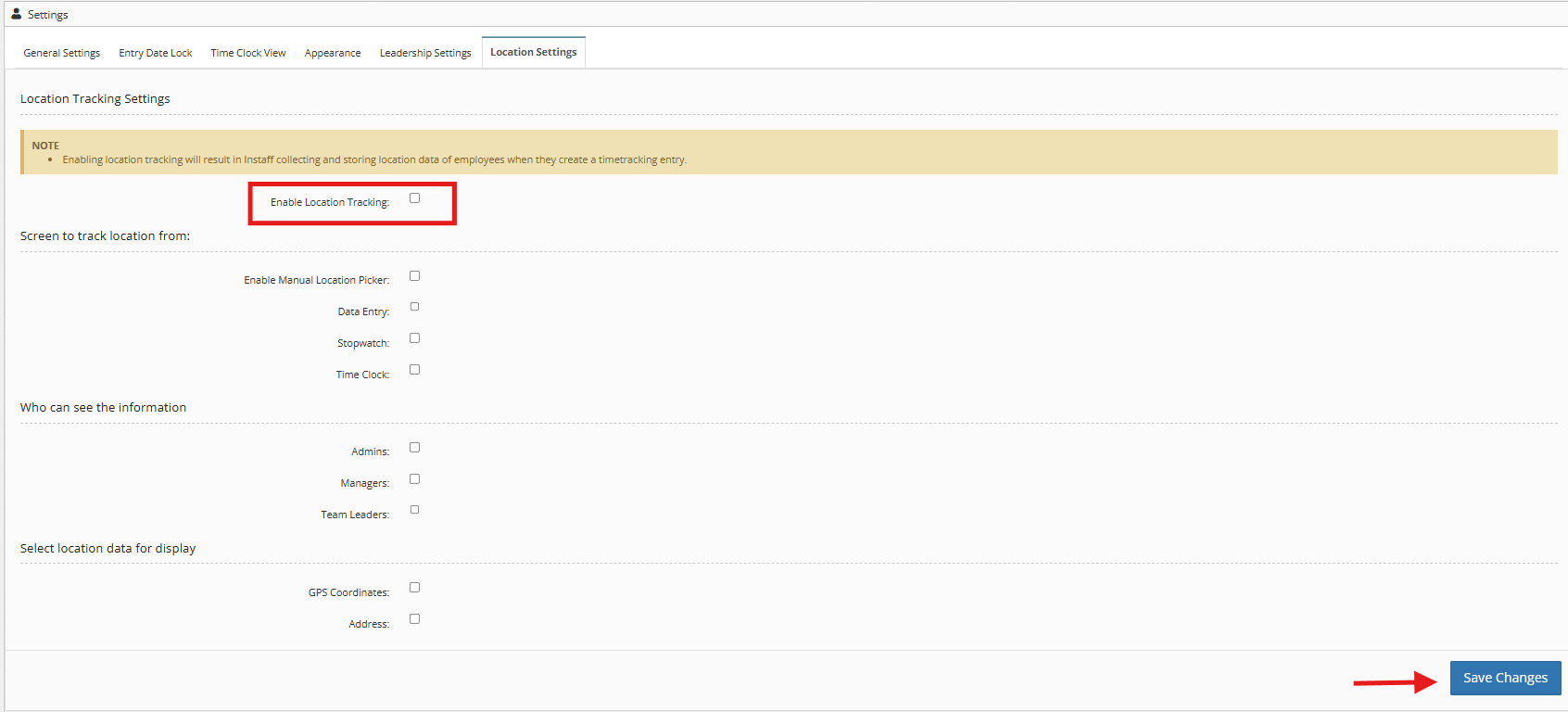
4. Click Save Changes.
You may also refer to How to set up Leadership Settings