
How to Launch your Time Clock Terminal Screen
- Log in to your portal (e.g., yourcompany.instaff.org) as an Administrator.
- From the left-hand menu, go to Admin, then select Time Tracking.
-
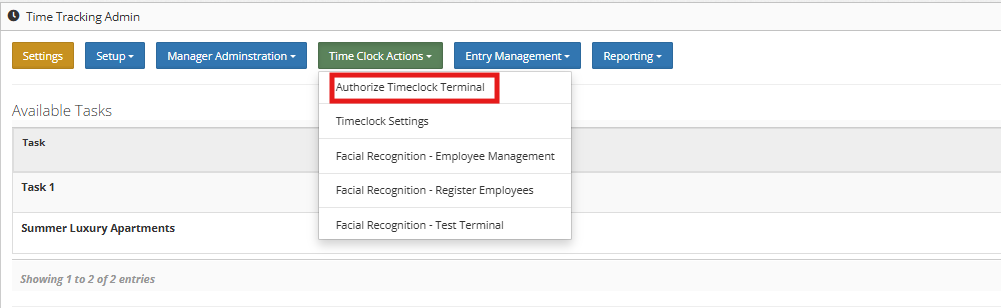
Click the Authorize Timeclock Terminal.
- Enter your portal password and click Authorize.
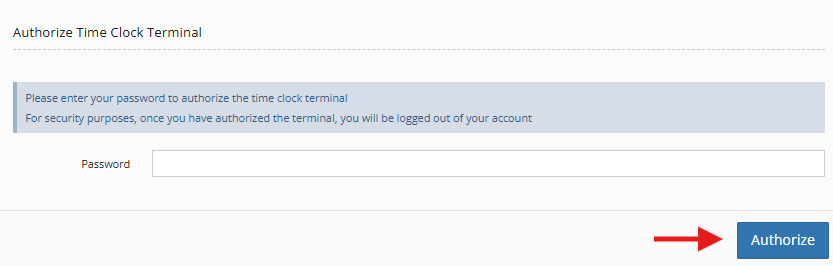
**Note: Once the Authorized Time Clock Terminal button is clicked, the user will be logged out of the portal and Time Clock Terminal will be displayed.